Home Assistant page
The Home Assistant page (?tab=ha_entities) works in the opposite direction to MQTT.
MQTT sends the bridge's values to Home Assistant. This page reads entities from
Home Assistant, so your schedules can use them as conditions. It also builds a dashboard
card for Home Assistant.
| Direction | Where it is set up |
|---|---|
| Bridge → Home Assistant (MQTT entities) | Settings → Home Assistant |
| Home Assistant → bridge (this page) | Add an instance in Settings → Home Assistant → Home Assistant instances, then pick entities here |
Needs a Home Assistant instance
Until an instance is added the page only says No Home Assistant instances configured, with a link to Settings. On the add-on, the Home Assistant it runs in is added automatically through the Supervisor.
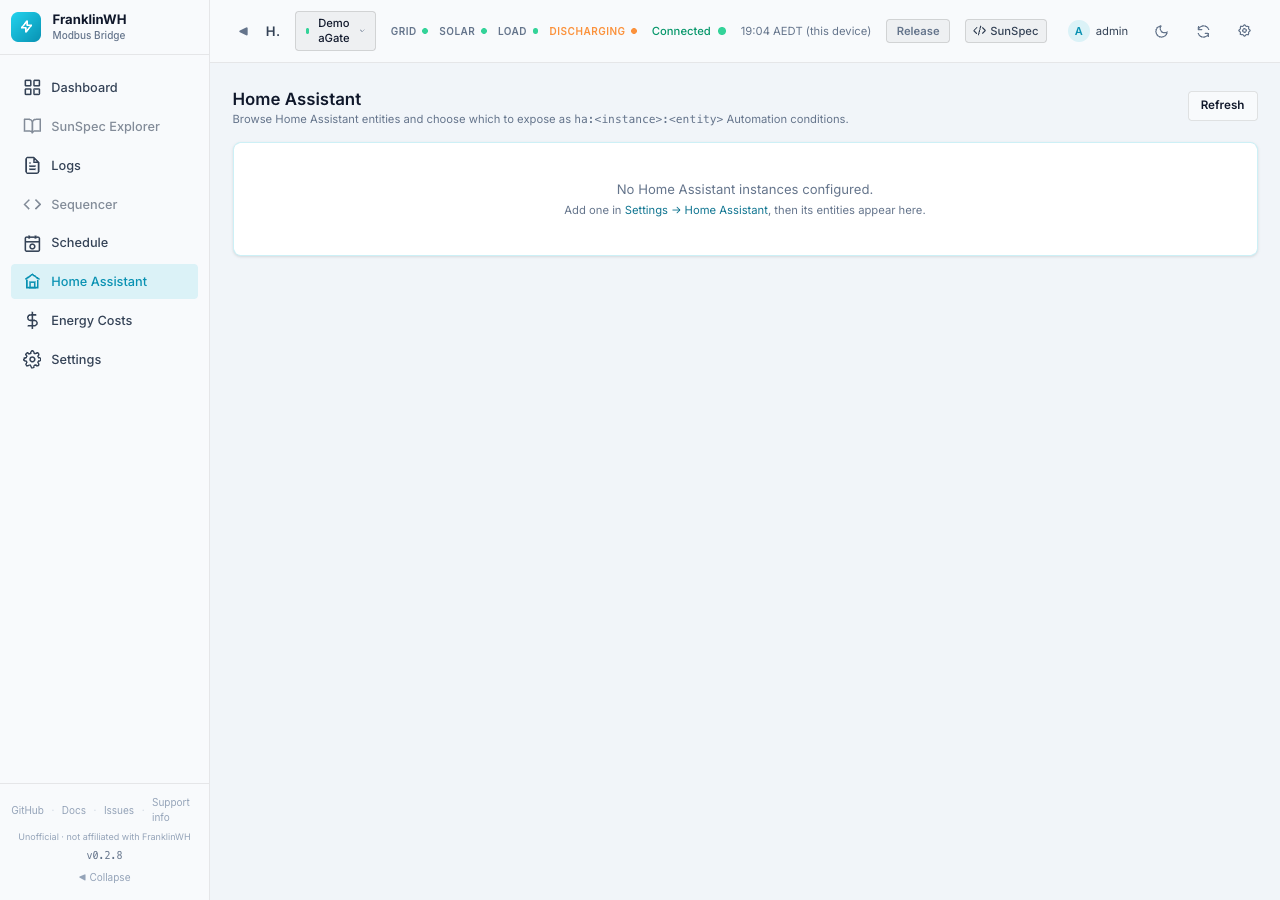
In the feature list this page is called HA Entities. Switching that module off also switches off the Home Assistant instance list in Settings and the "Use Home Assistant's location" button, since they share the same API.
Entities
Once an instance is connected the page shows:
- Entities / Exposed / Instances counts.
- A toolbar: Search entities…, an instance filter, a domain filter, and Exposed only.
- Topics presets that search for common names at once: Solar / PV, Battery, Grid / Export, Price / Tariff, Automations. Click again to clear; clear resets every filter.
- The table: #, Entity (id and friendly name), Domain, State (with unit), Instance, and the Expose switch.
Turn on Expose for an entity to make it available to schedules as a condition sensor
named ha:<instance>:<entity_id>. Exposing changes nothing in Home Assistant.
When you filter to the automation domain and some are enabled, an amber note warns that
an enabled Home Assistant automation and a bridge schedule controlling the same device
will fight. Decide on one owner per device.
Pages hold 25, 50, 100 or 200 entities; use Prev / Next.
Dashboard card
Dashboard card (top right, also on the MQTT broker card in Settings) builds YAML for a Home Assistant dashboard card listing this bridge's entities.
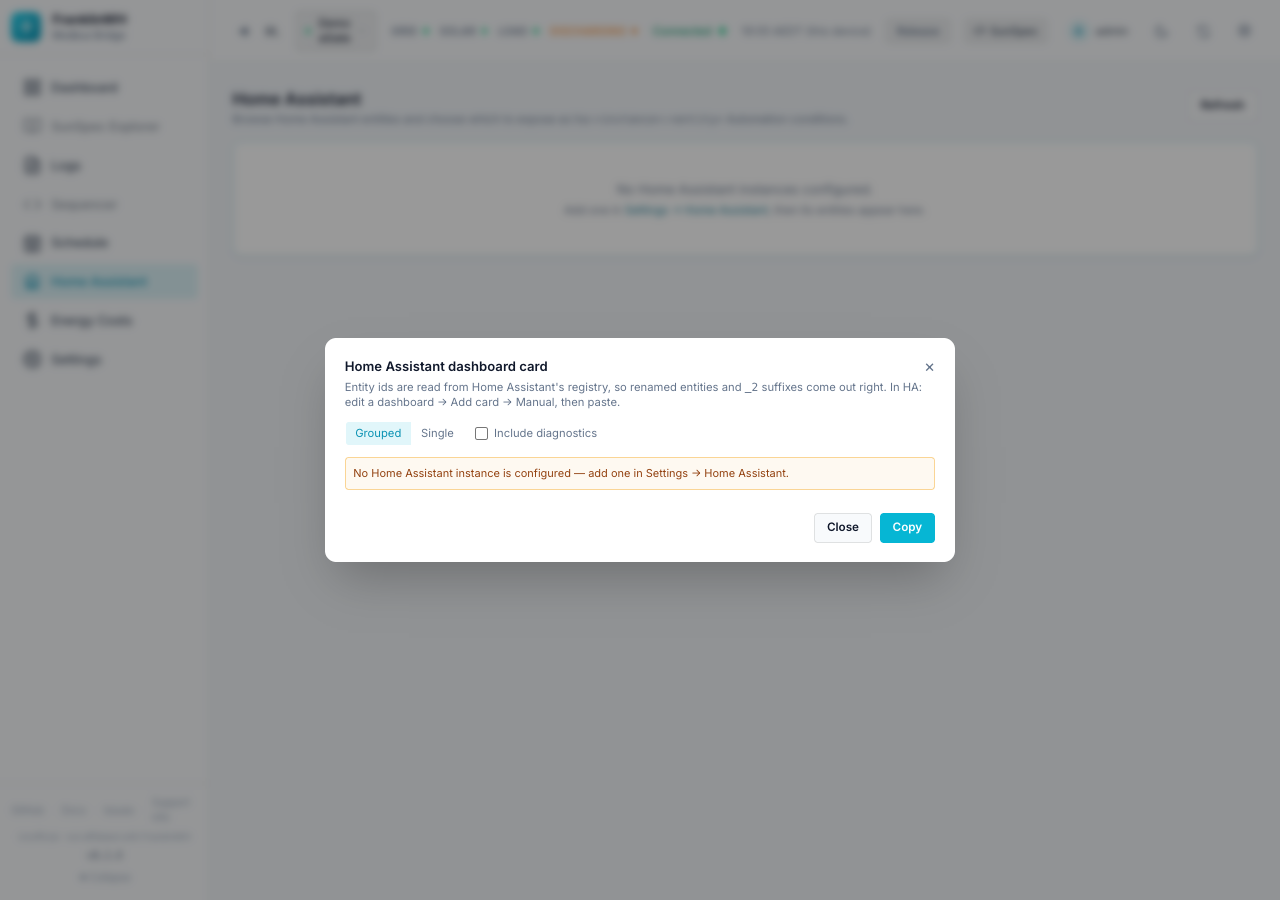
| Option | Meaning |
|---|---|
| Grouped / Single | One card per group of entities, or one long card. |
| Include diagnostics | Adds the diagnostic entities. |
| Instance | Which Home Assistant to read (only with several). |
The entity IDs come from that Home Assistant's own registry, so renamed entities and
_2 suffixes come out right. In Home Assistant: edit a dashboard → Add card →
Manual, and paste. Copy puts the YAML on the clipboard.
Note
It needs a Home Assistant instance (above) and entities already published over MQTT. Without an instance the dialog shows "No Home Assistant instance is configured — add one in Settings → Home Assistant", as in the screenshot.
For fixing, moving or removing the entities themselves, see Fixing, moving and removing entities.