First run & setup wizard
On a fresh install the bridge first shows the Unofficial software notice: tick I have read and agree and press Continue. Then it opens Set up the bridge, and keeps opening it at each sign-in until you finish or close it. You can also open it later from Settings → Site & Gateways → Run setup again, or Set up → on the Dashboard.
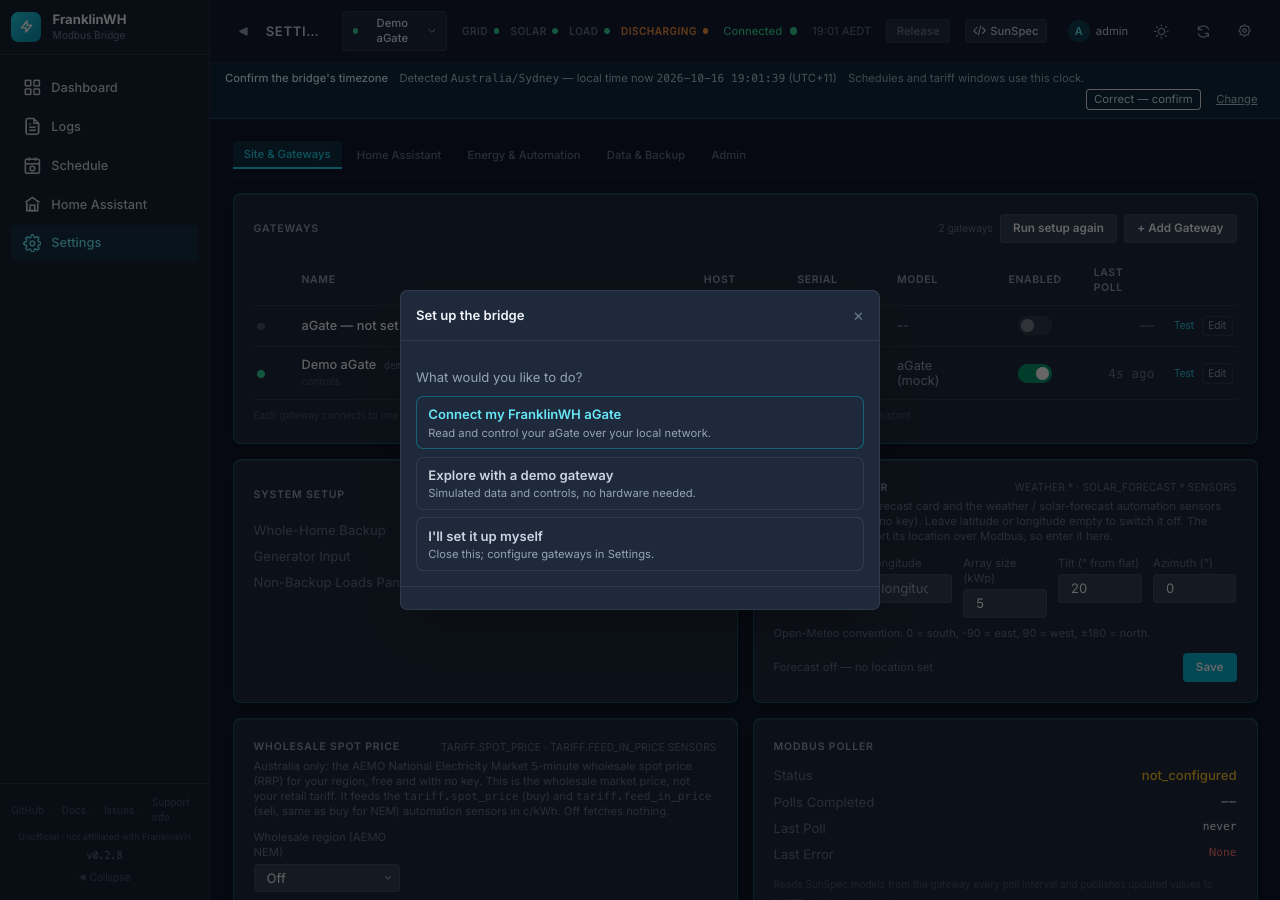
| Choice | What it does |
|---|---|
| Connect my FranklinWH aGate | Finds your aGate on the network (or by address) and starts reading it. |
| Explore with a demo gateway | Adds a simulated aGate, so you can try everything with no hardware. Nothing is sent to a real battery. |
| I'll set it up myself | Closes the wizard. Add gateways later in Settings. |
Connect my aGate
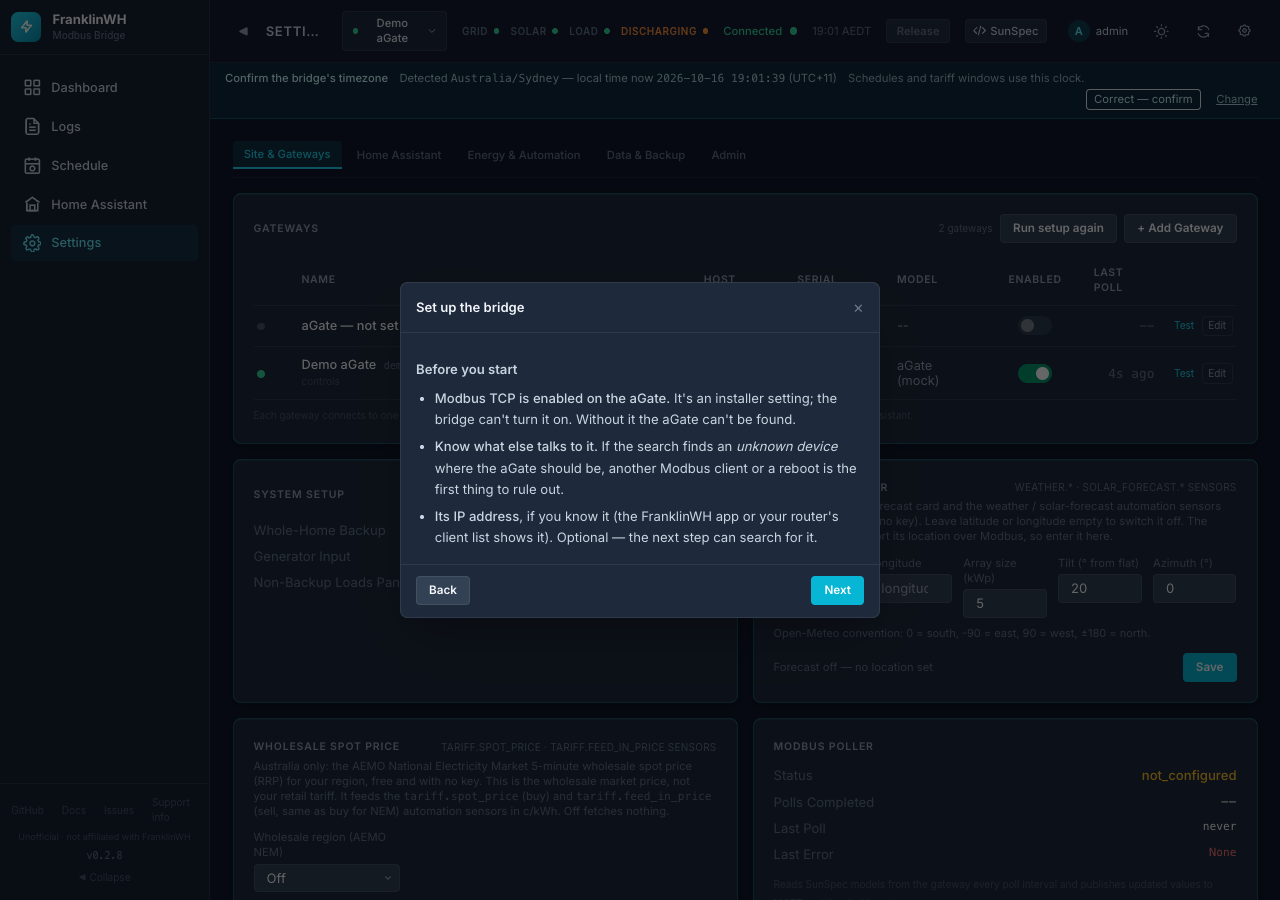
Before you start: the wizard lists what must be true. Modbus TCP is enabled on the aGate (an installer setting), nothing else is using its Modbus port, and you know its IP address if you can.
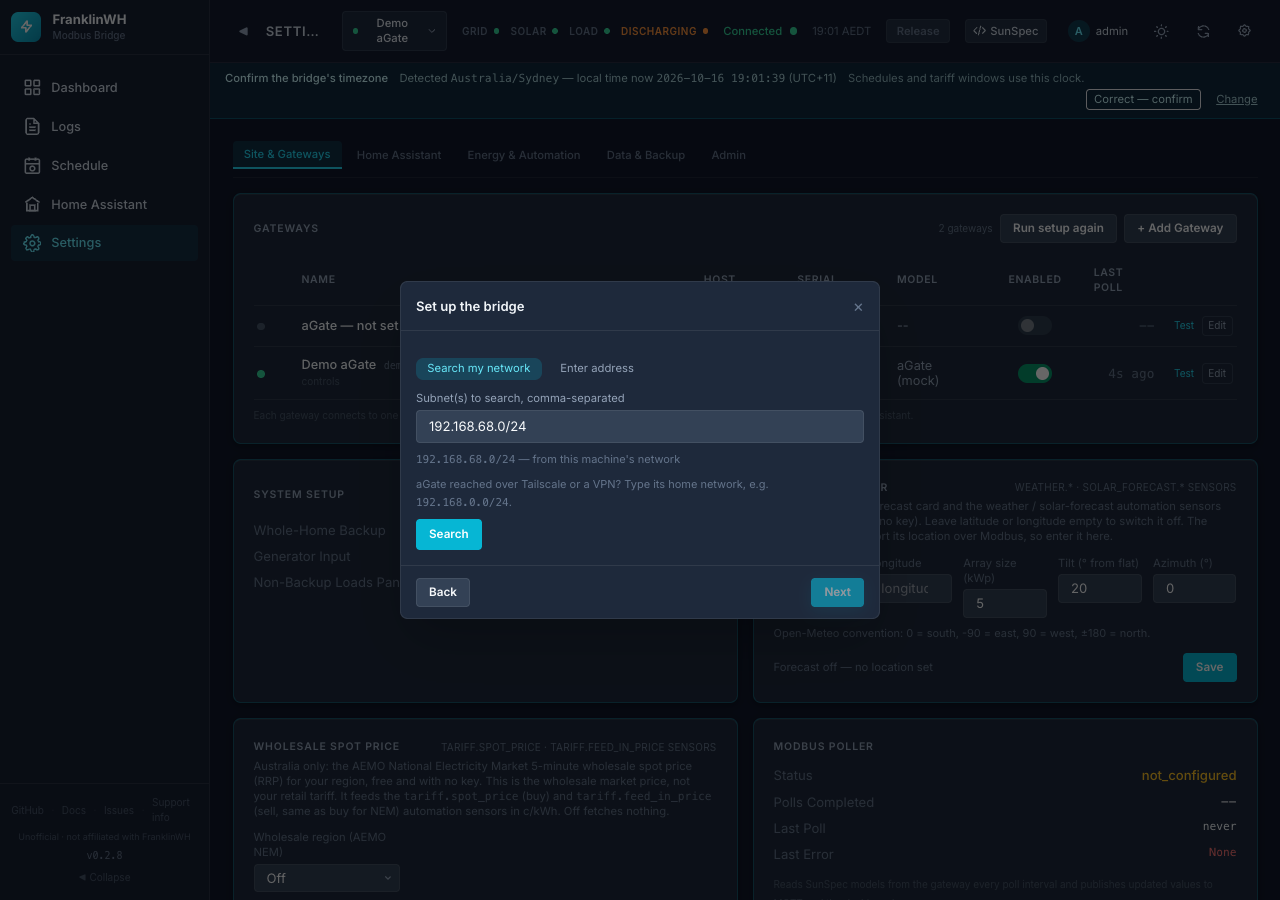
Find it in one of two ways:
The wizard proposes the subnet Home Assistant (or the host) is on. Add another,
e.g. 192.0.2.0/24, if the aGate is on a different network or reached over a VPN.
A found aGate shows its model, serial and firmware.
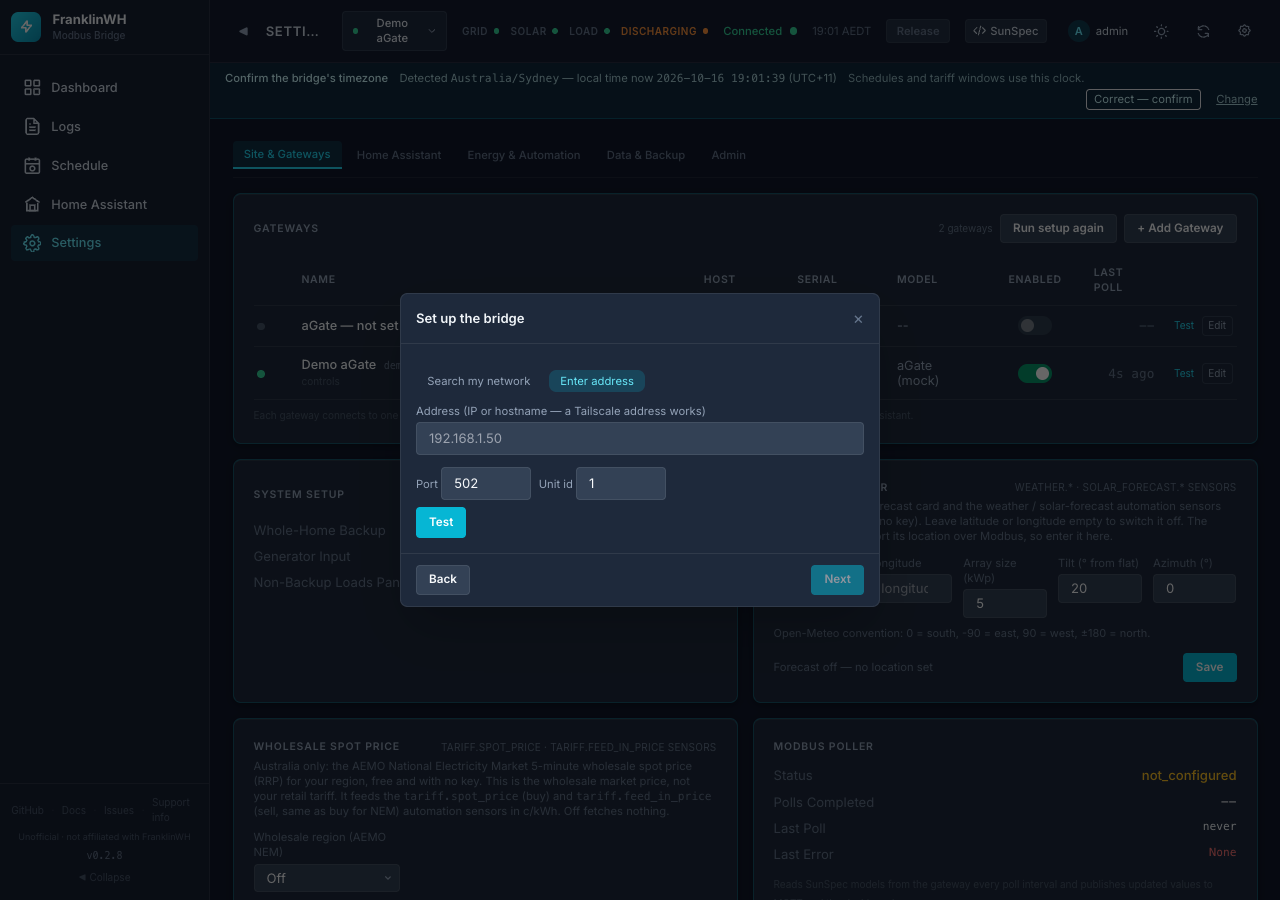
Type the aGate's IP address or hostname (a Tailscale address works) and press Test. This is the more reliable option over slow or VPN links (#137).
Then the wizard:
- connects the gateway;
- asks you to confirm the bridge's timezone (schedules and tariff windows run on this clock);
- shows a Home Assistant checklist: MQTT broker connected, HA connected, the MQTT integration set up, and entities published.
On the checklist step the wizard also asks:
- Publish …'s entities? (default No for a demo). If you answer No, Bridge entities stays ✗ "None yet". That's expected. Publish later in Settings → Home Assistant → Publish to Home Assistant.
- The MQTT namespace: keep Modbus Bridge (recommended) (
fwh_mb) unless you're moving from an older install.
On Docker and Python installs HA connected stays ✗ until you add your Home Assistant in Settings → Home Assistant → + Add Home Assistant. The add-on connects its own HA by itself.
After connecting: battery power rating
Force charge and discharge use the aGate's nameplate rating (SunSpec Model 702) as soon as the bridge has read it. Calibrating is optional; it replaces the nameplate with a measured figure: Settings → Site & Gateways → your gateway → Edit → Battery power rating.
Explore with a demo gateway
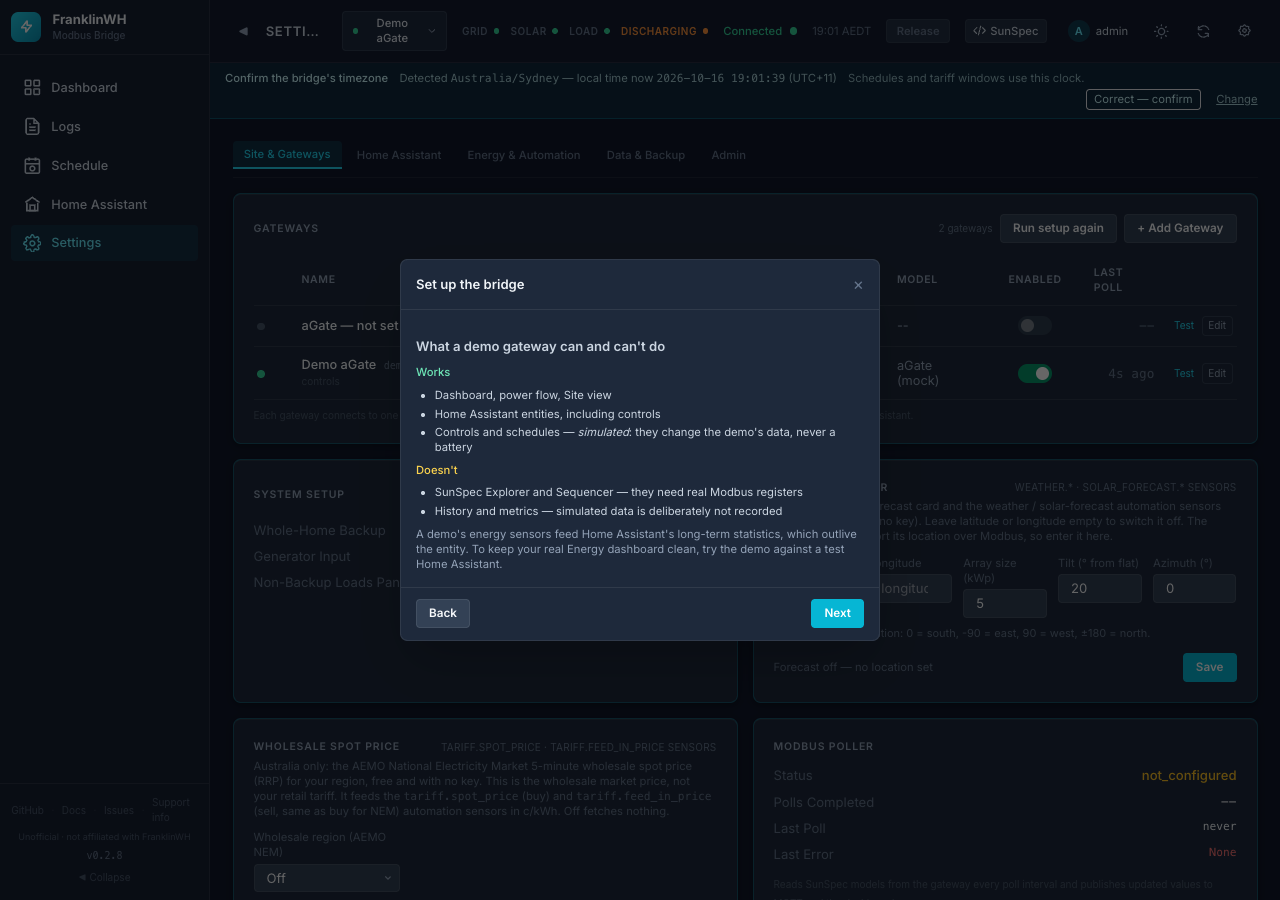
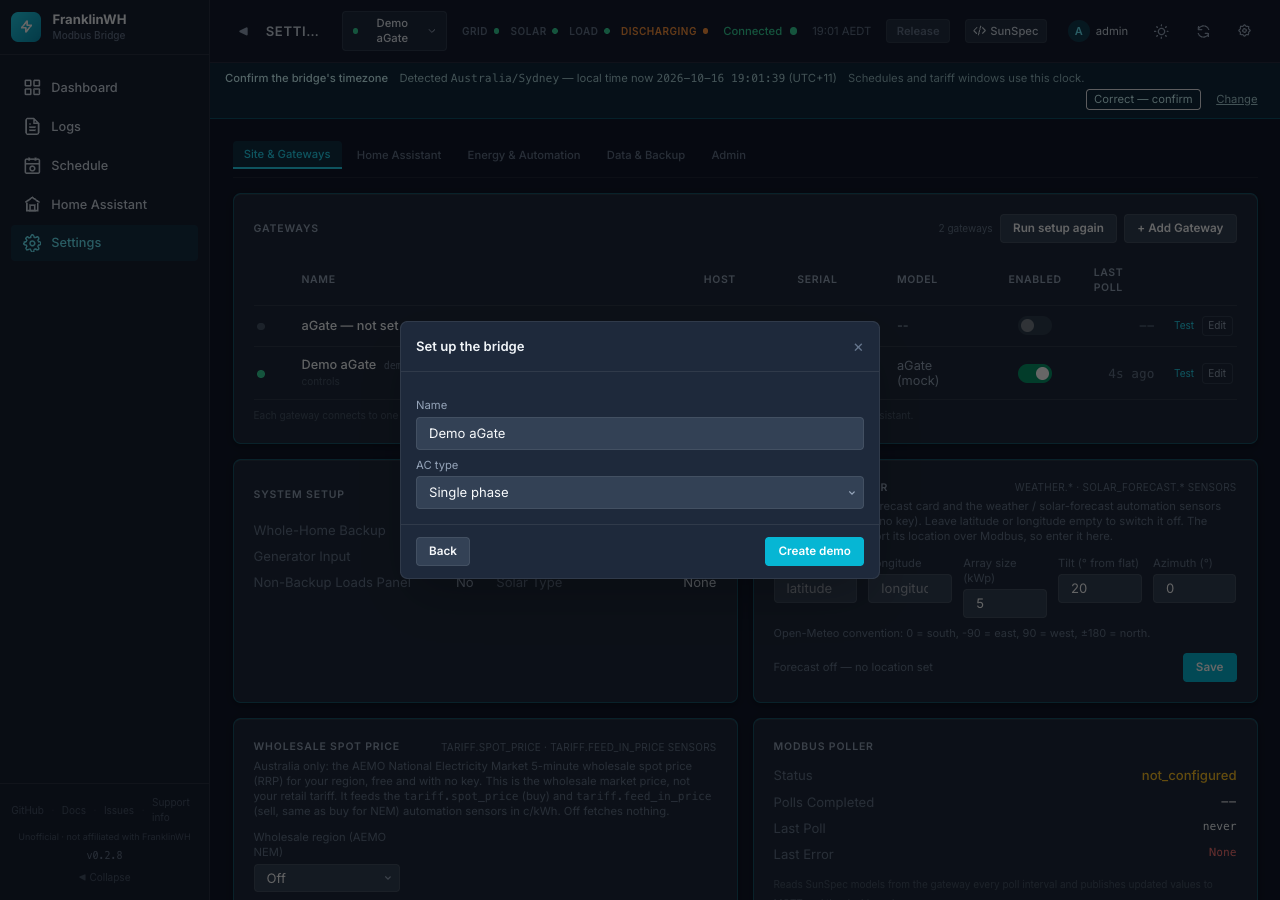
The wizard explains what a demo can and can't do, then creates it.
Keep demos out of your real Home Assistant
A demo's energy sensors feed HA's long-term statistics, which outlive the entity. The wizard leaves a demo unpublished unless you say yes. A mock added through + Add Gateway is currently published by default (#160); switch Publish to Home Assistant off for it.