Outcomes and audit
Direct Connect Bridge. Mirrors the Modbus Bridge page Outcomes and audit section for section.
How you find out what a schedule did: the History view, the run queue, the dispatch record and notifications. Also the controls that act outside the schedule: Run now, Stop, and the API-only Pause and Resume.
Where to look
| Where | What |
|---|---|
| Scheduler → History | every decision the scheduler made and every change to a schedule, newest first (GET /api/schedules/log) |
Run queue (GET /api/schedules/runs, GET /api/schedules/stats) |
one row per run the scheduler expected: pending, running, ok, failed, missed, skipped, unknown, paused, stopped. No view in the UI. |
| Card on the Schedules view | the last result with its date, Next:, ● active |
| Logs tab | the application log: each fired schedule (info) and each missed run (warning) |
Control-log (GET /api/control-log) |
Pause and Resume calls |
Not in this bridge: a per-command control log with requester and hardware state before and after, and a dispatch-outcomes record (see below).
Activity Log results
The History view is this bridge's activity log. It loads the latest 200 rows. Times are in bridge-host time. The chips at the top filter by status (one chip per status present); battery shows the rows written by the force path and the VPP monitor.
| Status | Meaning |
|---|---|
| created, updated, enabled, disabled, deleted | a change to the schedule ("created enabled", "settings changed", "toggled", "removed") |
| fired | the action and the on-entry HA actions ran and were judged a success; the detail is what each returned, or "nothing to do" |
| gated | the window was open but the entry conditions failed; up to two failing rows with live values; once a day per schedule and gateway |
| waiting | conditions met and the hold is counting, or If busy = wait |
| deferred | lost a same-tick contest, or If busy = defer |
| exit | the window closed: "exit condition met" or "window closed" |
| error | the action failed; with the attempt number and the next retry |
| unknown | the outcome could not be told; not retried (see Retries) |
| missed | the window closed with no successful run |
| coalesced | an open run left by downtime was folded into the current one |
| manual | Run now |
| stopped, paused, resumed | Stop, or the Pause and Resume API calls |
| dispatch-start, dispatch-end | a force started or ended (also the watchdog's duration and target-SoC releases); under battery |
| vpp-start, vpp-stop, orphan | the VPP monitor; under battery |
| exception | the scheduler tick itself raised an error (a bug, not a rule) |
Changes to a schedule are logged with a short word only; the detail does not list which fields changed. Import creates schedules without a created row.
Through the API, GET /api/schedules/log filters by schedule_id, status and
severity, newest first, limit 1–500.
Each row has a severity class: error for error, failed, missed and unknown; exception for exception; event for everything else. Each class has its own cap (2000, 1000 and 500 rows), so routine gated rows cannot push a failure out.
A run that did nothing still leaves a row: an HA-only schedule with no HA actions logs fired — "nothing to do".
The run queue (Direct Connect only)
Direct Connect only. Before it acts, the scheduler writes the run it expects into the
occurrences table: one row per schedule, gateway and occurrence. The row records attempts,
the outcome and the reason. GET /api/schedules/runs lists the rows, newest first;
GET /api/schedules/stats counts runs, ok, missed, failed, skipped, stopped and paused per
schedule, with the first, last and last failure. Finished rows are kept 90 days.
If several runs of one schedule on one gateway are still open, for example after downtime, the older ones are closed as skipped — "coalesced into the run for …" and logged coalesced. Only the newest proceeds; a backlog is never replayed.
Retries
A failed action does not use up the occurrence. The run is left open and tried again while the window is open:
- Between ticks. After N failed attempts the next try waits 30 s × 2^(N−1), capped at 10 minutes: 30 s, 60 s, 2 min, 4 min, 8 min, then every 10 min. Each failure logs error — "… — attempt N; retrying in 60s while the window is open".
-
Within one tick. A device write (force, mode, smart circuit, off-grid) is also retried inside the call: up to 5 attempts for a force (waits of about 5, 10, 20 and 40 s) and 2 for the others, cut off at the window's end.
-
A success after failures logs fired and closes the run as ok. There is no "recovered after N attempts" wording.
-
A run that is retrying and then loses a same-tick priority contest is closed as skipped.
A long in-tick retry holds up every gateway
The in-call retries run inside the scheduler's tick. A force that keeps failing can hold the tick for over a minute, and no gateway is evaluated meanwhile. Whether this caused the missed heartbeat in #183 is unverified.
Some failures are recorded as fired
The scheduler decides success by reading the action's result text. A result counts as a failure only if it contains "failed", "error" or "not confirmed". So:
- a force refused because the Modbus client (this bridge) is off, the Modbus TCP Server (aGate :502) does not answer, or SunSpec does not respond, is logged fired and the occurrence is used up ("force charge: This bridge's Modbus client is off …");
- a Set operating mode or Go off-grid that the aGate answers with a non-zero result is logged fired ("mode -> tou: {'ok': False, 'result': 3}").
Measured with mocks on 2026-10-17. Read the detail of a fired row, not just its status. Issue #191.
An unknown outcome is not retried: if the scheduler is told the outcome is unknown (the write may have landed), it logs unknown, closes the run and does not send again.
In practice the scheduler never reports unknown
The action code never raises; a failure comes back as text, which the scheduler turns into a connection error that counts as "never arrived". So a failed write is always error and retried, never unknown. The test above reaches unknown only through a stand-in. From a code read. Issue #201.
The per-attempt audit rows are never written
The retry helper calls its audit hook in a form the scheduler's hook does not accept. The error is swallowed, so no per-attempt row reaches the History view; only the scheduler's own fired / error row does. From a code read. Issue #201.
A window that closes without success is recorded as missed. On every tick the scheduler closes runs still pending, running or failed whose window ended more than 2 minutes ago, and logs missed — "window closed with N attempt(s) and no success". There is no catch-up: a missed run is never fired late.
Not in this bridge: failure and recovery notifications for retries (see Notifications).
Supervision of a running command
Not in this bridge. After a force is accepted, the bridge does not check that the setpoint stays enabled, does not check that the battery moves, and never re-sends. The only watch on a running force is the watchdog's duration and target SoC (see Exit and release). Tracked in #162.
The dispatch record
Not in this bridge as a per-command outcome record. The closest thing is the
dispatches table: one row per force the bridge sends successfully, from a schedule, from
Run now or from the Battery Control widget. It records the direction, power, target SoC
and window, and a status:
| Status | Meaning |
|---|---|
active |
running, as far as the bridge knows |
ended |
released by the watchdog, by a window-end or exit Release, or by the widget's Release |
superseded |
a newer force was recorded for the same gateway and host |
stopped, paused |
Stop or Pause |
interrupted, released, resumed |
handled by the boot reconcile after a restart |
A refused or failed force writes no row.
There is no REST endpoint for this table and no dispatch-outcomes endpoint
(GET /api/gateways/{gw}/dispatch-outcomes does not exist here). It is used by
If busy, Stop, Pause and the boot reconcile.
Overshoot guard
Not in this bridge. A force is not released because the battery ran faster than requested. Tracked in #162.
Notifications
Not in this bridge for scheduled actions. A failed, missed or unknown scheduled action sends no notification: the scheduler passes no notifier to its retry helper (#172). To be told, add a Notify HA action to the schedule; note it runs after the battery action on every attempt, whatever the outcome (see Actions).
Direct Connect only. After a restart that interrupted a scheduled force, the boot reconcile notifies your enabled notification devices ("FranklinWH — scheduled dispatch …") under the default policy notify. See Restarts and the clock.
Run now and Stop
| Control | Shown | What it does |
|---|---|---|
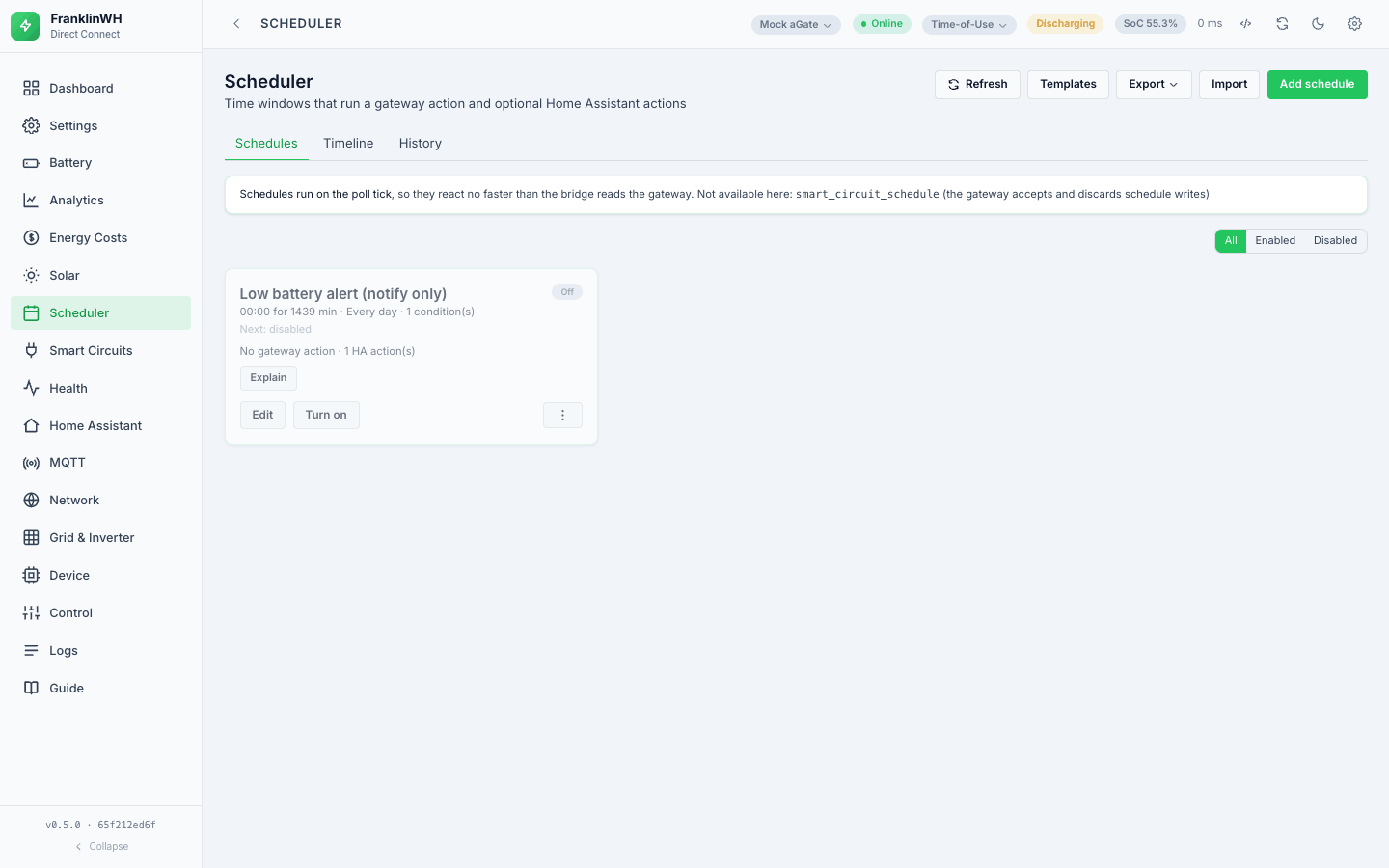
| ⋮ → Run now | always (asks first) | Runs the battery action and the on-entry HA actions now. POST /api/schedules/{id}/run |
| Stop | while the card shows ● active | Releases the force this schedule started. POST /api/schedules/{id}/stop |
| Pause, Resume | API only | See Pause and Resume. |
● active (and so Stop) shows when the schedule is enabled, its window is open on the container's clock, and it has already fired in this occurrence (#161). An Always schedule never shows it.
Run now
- Open the card's ⋮ menu and choose Run now. Confirm.
- The bridge runs the action now. It ignores the window, the calendar and the entry conditions; each HA action's own guard still applies, and only On entry and Entry & exit HA actions run. It logs manual with what each step returned.
A Run now command differs from a scheduled run:
-
A force runs for the schedule's Duration (min); with 0 it has no time limit and runs until it is released or reaches its target SoC. A Recurring windows schedule has the hidden value (90 for a new schedule).
-
It ignores If busy: it replaces a running force.
-
It is not retried, has no exit conditions and no exit steps, and does not change the card's last result.
-
A force it sends is recorded under the schedule's id, so Stop can release it, and other schedules' If busy sees it.
-
Message placeholders read only the gateway's values and Home Assistant entities: tariff, weather and other sensors, and
%run.*%, print?.
Run now acts on the gateway selected in the top bar
With more than one gateway and one picked in the top bar, the Run now menu item sends that gateway with the request, and the bridge uses it instead of the schedule's own gateway. With Site selected, or one gateway, the schedule's gateway is used. From a code read; not tested in a browser. Issue #193.
Run now acts for real
Run now does exactly what the schedule does: a mode change, a smart circuit, off-grid, or a battery force. Use ⋮ → Test against live first.
Stop
- Press Stop on the card. Confirm.
- If the
dispatchestable has an active force recorded for this schedule, the bridge sends a Release, marks the rows stopped and logs stopped — "dispatch released by user". The schedule stays enabled. - If not, it logs stopped — "no active dispatch to stop" and changes nothing.
Stop does not run the exit HA actions, does not restore the mode, and does not stop the schedule firing again: it fires at its next occurrence. A schedule that had not fired yet in this window (nothing to stop) can still fire later in the same window. To stop a schedule from firing at all, disable it: Turn off on the card.
On a multi-gateway site Stop releases the default gateway
Stop sends the Release to FWH_MODBUS_HOST or the default gateway's host, not to the
host recorded for the schedule's force. For a schedule bound to another gateway, Stop
releases the wrong gateway and leaves its own force running. Pause has the same problem.
From a code read; not tested. Issue #192.
Pause and Resume (Direct Connect only)
Direct Connect only, API only (POST /api/schedules/{id}/pause and /resume).
- Pause finds this schedule's open run (pending or failed, window still open), releases its recorded force if any, marks the run paused and logs paused.
- Resume returns a paused run to pending, but only while its window is open; after that it answers 409 "window has closed — resume is only valid inside it".
- A run still paused when the bridge restarts becomes stopped.
Pause does not hold a run
- A run that succeeded is not "open", so Pause on a schedule whose force is running answers "no run is open for this schedule" and releases nothing.
- A run that failed can be paused, but the scheduler does not check for paused: on its next attempt it runs the action again and the run becomes failed or ok.
Measured with a mock on 2026-10-17. Use Stop to release a schedule's force, and disable the schedule to keep it from firing. Issue #200.