Concepts
Direct Connect Bridge. Mirrors the Modbus Bridge page Concepts section for section.
How a schedule works, end to end. Read this first; the other pages go into each part.
How to read the scheduler pages
These pages describe what the code of this release (0.5.5) does. Each behaviour has a hidden marker in the page source with the code location and whether a unit test covers it. Untested behaviour is described from the code, not from a test run. The Scheduler test plan lists every behaviour with its test status, and Scheduler parity compares it with the Modbus Bridge.
The model
A schedule (also called a rule or an entry) is one card on the Schedules view of the Scheduler tab. It has six parts, in this order:
flowchart LR
    T["1 · Trigger<br>when is the window open?"] --> C["2 · Conditions<br>may it act now?<br>(entry conditions + hold)"]
    C --> A["3 · Action<br>battery action + HA actions"]
    A --> G["4 · Gateway<br>which gateway(s)"]
    G --> X["5 · Exit<br>window end, End early when…,<br>target SoC, Stop"]
X --> O["6 · Outcome<br>History, runs,<br>dispatch record"]| Part | Question it answers | Fields in the form | Page |
|---|---|---|---|
| Trigger | When is the window open? | Trigger type, its time fields, Duration (min) | Triggers |
| Conditions | May it act now? | Entry conditions (must hold to fire), Hold (HH:MM:SS) | Conditions |
| Action | What does it send? | Battery action and its parameters, Home Assistant actions | Actions |
| Gateway | Which gateway or gateways? | the gateway picker (shown with more than one gateway); gateway_scope (API only) |
Targets |
| Exit | When does the window end, and what then? | End early when… (exit conditions); restore_on_exit (API only) |
Exit and release |
| Outcome | What happened? | — (History, GET /api/schedules/runs, Logs) |
Outcomes and audit |
Two more settings decide what happens when schedules meet: Priority and If busy. See Priorities and conflicts.
Three ways to start
| You want | Use | Example |
|---|---|---|
| By time | Recurring windows, One-off date, Daily, Weekly, Every N minutes, Monthly, Custom cron | Discharge 17:00–20:00 on weekdays |
| By event | A time trigger plus an entry condition on the thing that changes: a Home Assistant entity, grid.connected, mode.name, a tariff window flag |
Notify when the grid drops, any time of day |
| By sensor | Always (sensor-driven), or a short repeating trigger, with entry conditions on a sensor | Charge when the spot price is below 5 c/kWh |
There is no separate event trigger. An "event" is a condition that becomes true while the window is open; the engine notices it on the next tick. Read the Always warning before using Always for a rule that should act more than once.
The tick
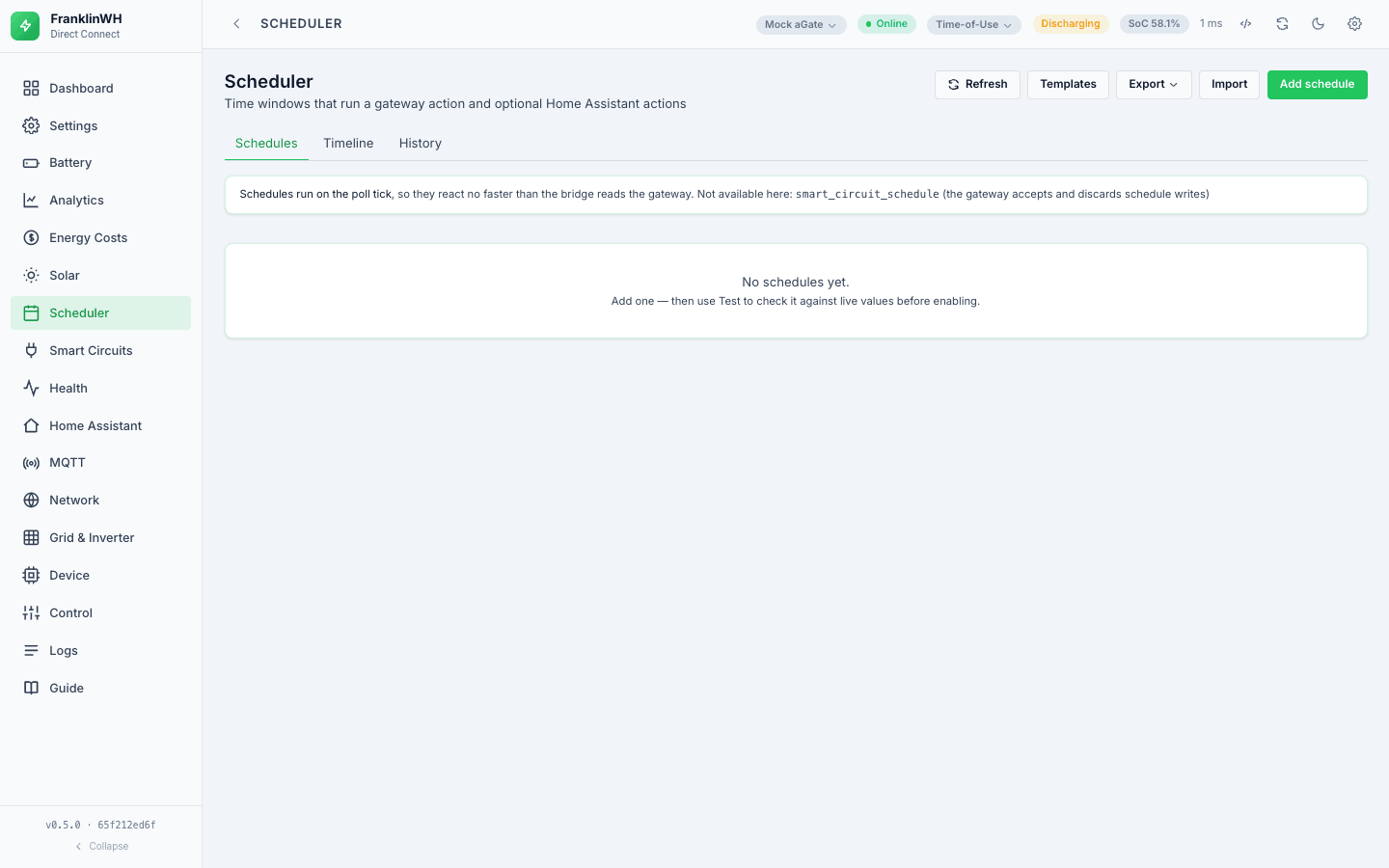
The scheduler is its own worker in the bridge, not the browser. It ticks every
scheduler_tick_s seconds (default 15, held between 5 and 60 so a one-minute window
cannot be stepped over). A failing gateway does not stop the others, and a failing tick is
logged and the loop carries on. The tab's note "Schedules run on the poll tick" means
this: a schedule cannot react faster than the poller stores new values.
On each tick, for each gateway in turn:
| Step | What happens |
|---|---|
| 1 | Skip the gateway if it is disabled, has never polled, or its stored values are older than max(90 s, 3 × poll interval). |
| 2 | Build one sensor snapshot from the values the poller last stored, plus Home Assistant, tariff, forecast, constants and the derived sensors. |
| 3 | Read every schedule. Keep those that apply to this gateway: bound to it, unbound and this is the default gateway, or gateway_scope all. |
| 4 | For each: window open? already fired? entry conditions? hold? Collect those ready to fire. |
| 5 | Among the ready ones, one winner per resource by Priority; then If busy for force actions. |
| 6 | Run the winners, and write every decision to History. |
Schedules are read in name order, every schedule including disabled ones; the enabled check is part of step 4. Priority plays no part in the order; it only settles a contest between schedules that are ready on the same tick.
Conditions read a snapshot built from the poller's stored values. They never ask the aGate for a value. Other reads do happen on a tick: the site clock (at most every 10 minutes per gateway), the Model 702 ratings over the Modbus client (this bridge) (cached for an hour), and Home Assistant's state list.
A schedule with No battery action (HA only) claims no resource and never competes with battery schedules.
Not in this bridge: an immediate tick after a save. A saved, deleted or imported schedule is picked up by the next regular tick (within 15 seconds by default), because the tick reads the schedules from the database each time.
The Scheduler cannot be switched off as a module
Not in this bridge: a feature-module switch for the Scheduler. The worker starts with the bridge every time. To stop schedules, turn them off.
Window, activation and run
| Word | Meaning |
|---|---|
| Window | The time the trigger keeps the schedule open. Recurring windows: the start → end you type. The other time triggers: Fire at → Fire at + Duration (min). Always: while the entry conditions hold. An End early when… condition that is true closes it early. |
| Occurrence | One opening of the window, identified by a key (the date, date#N for the Nth recurring window, the slot time, the cron match, or always). A schedule fires at most once per occurrence. |
| Run | The record of one occurrence's attempt(s), in GET /api/schedules/runs: pending, running, failed, then ok, missed, skipped, stopped or unknown. A failed run is retried while the window is open. |
What the engine remembers
| Kept in memory (lost on restart) | Kept in the database (survives a restart) |
|---|---|
| hold timers, which windows were open last tick (for the closing edge), the key of the open window, the day a gated row was last written | each schedule's last fired occurrence and result, every run (occurrences), active force dispatches, History |
So after a restart a schedule that already fired in the current occurrence does not fire again, its hold starts from zero, and a window that closed while the bridge was down has no closing edge. See Restarts and the clock.
Legacy and v2 entries
Not in this bridge. There is one schedule format. A schedule with no trigger_type is
read as daily (the original single Fire at + Duration window), and every schedule is
evaluated by the same code. Release behaviour does not depend on the format: see
Exit and release.
Glossary
| Term | Meaning |
|---|---|
| Schedule | One card. Also called a rule or an entry. |
| Entry conditions | The gate: "Entry conditions (must hold to fire)". |
| Hold | Hold (HH:MM:SS) under the entry conditions: how long they must stay true before the schedule fires. |
| Exit conditions | End early when…: checked while the window is open; when true, the window closes early. |
| Resource | What an action drives: the battery (force, mode, reserve), the grid connection (off-grid), or one smart circuit. Schedules compete per resource. |
| Dispatch | A force command a schedule (or the Battery Control widget) started, recorded until it is released. |
| Manual control | A force from the Battery Control widget. A force from another tool (the Modbus Bridge, a VPP) is not seen. |
| Release | Clearing the force setpoint so the gateway returns to its own mode. |
| Default gateway | The gateway an unbound schedule runs on: the first-registered gateway (#182). |