Multi-gateway and sites
A single aGate needs none of this: with one gateway registered, the gateway selector does not even appear and everything behaves as though it were the only thing the bridge knows about. Read this when you have two, or when you want to model a property properly.
Registering gateways
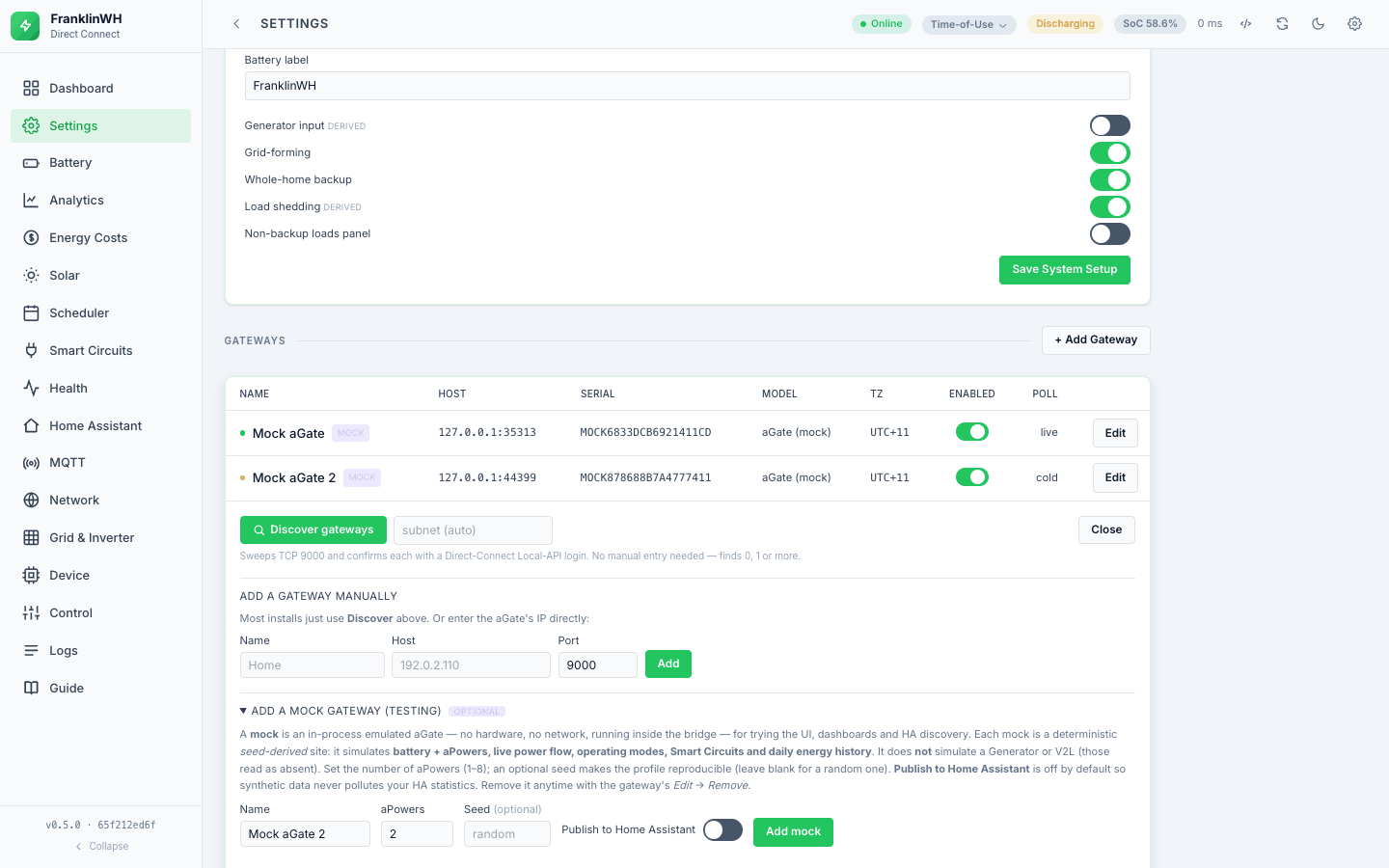
Three ways, and they coexist:
- Configuration —
FWH_HOSTS, a comma-separated list where each entry is eitherhostorhost=Label, for exampleFWH_HOSTS=192.0.2.10=Home,192.0.2.11=Shed. When set, it wins over the single-gatewayFWH_HOST. - Settings → Gateways → Add — host and a label, from the UI.
- Settings → Gateways → Scan — probe a subnet for aGates. The subnet comes from
FWH_SUBNET, or is derived as the host's/24when that is blank.
Each gateway can be enabled or disabled, edited, given a description, and removed. All of
those are writes. As of 0.5.2, allow_writes no longer blocks them (see
Control).
The default gateway
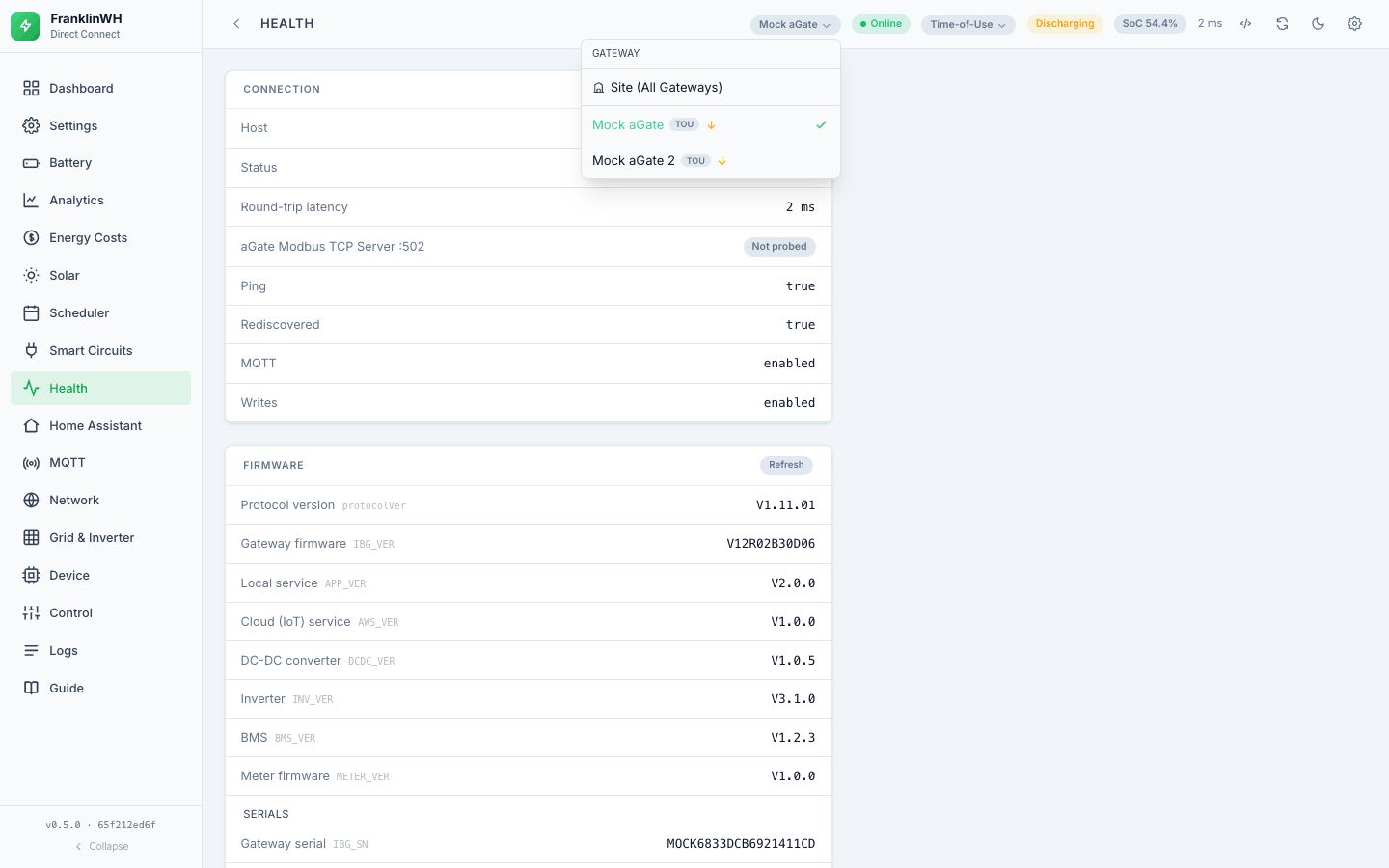
The first-registered gateway is the default. Every API endpoint takes an optional
?gateway=<id>; omit it and you get the default, which is precisely the old
single-gateway behaviour. Name a gateway that does not exist and you get a 404 before
any device I/O — the bridge refuses to quietly act on the default instead of the one
you asked for. The dispatch endpoint is explicit about why: a force-charge aimed at one
aGate must not land on another, and the response echoes the gateway it targeted so the
caller can check rather than assume.
What is scoped per gateway
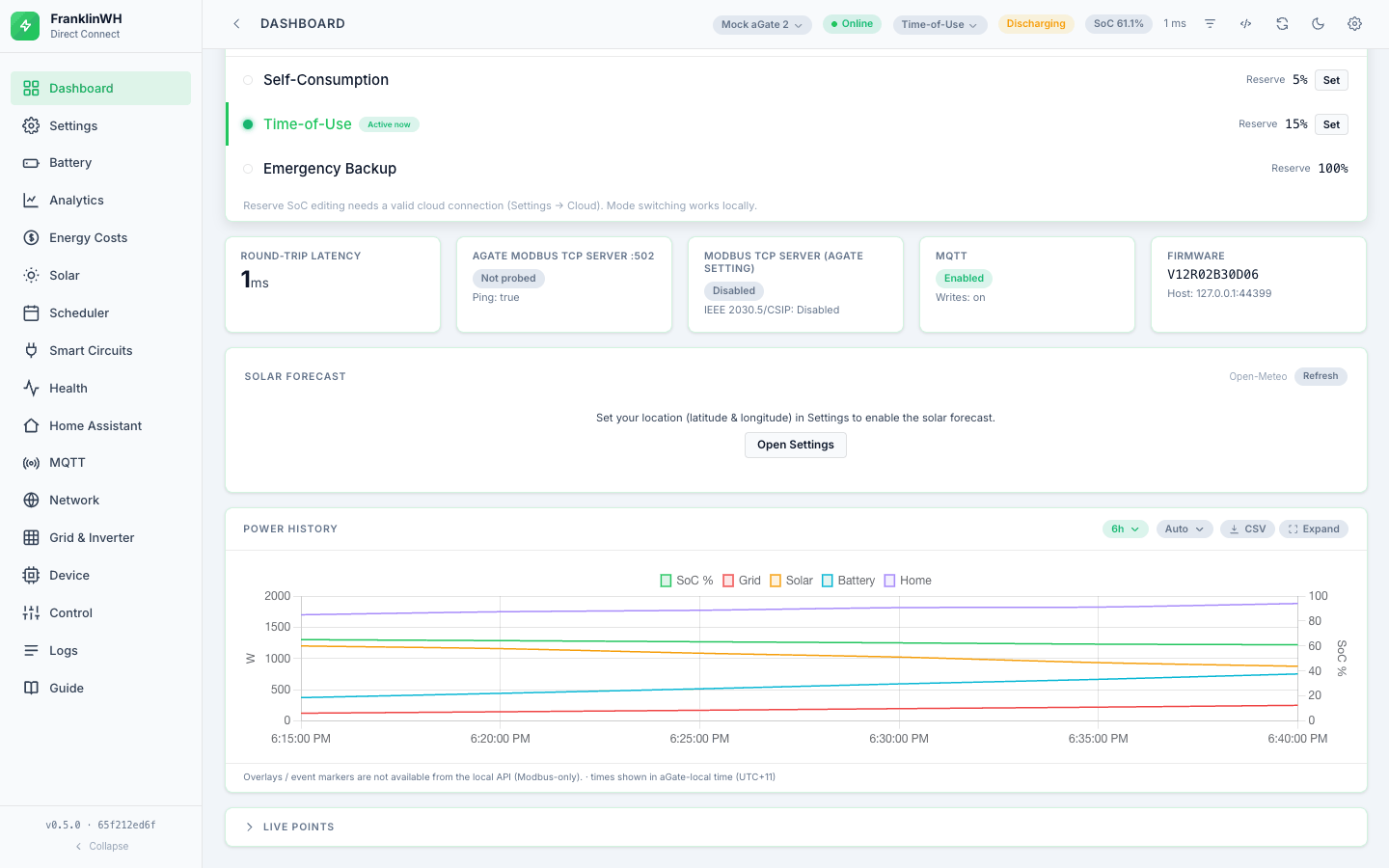
The selector at the top of the screen scopes every tab: dashboard, battery, solar, circuits, generator, control, grid, health, network, MQTT. Also per gateway:
- its own poll loop, last state and health;
publish_ha— whether this gateway is published to MQTT/HA. The UI defaults a mock gateway to not publishing (verified live: both mock gateways reportedpublish_ha: false, the real onetrue); you can turn it on;- its MQTT node id, which is that gateway's serial, lower-cased — so two gateways are two HA devices, as they should be;
POST /api/gateways/{id}/restartrestarts just that gateway's workers.
Mock gateways
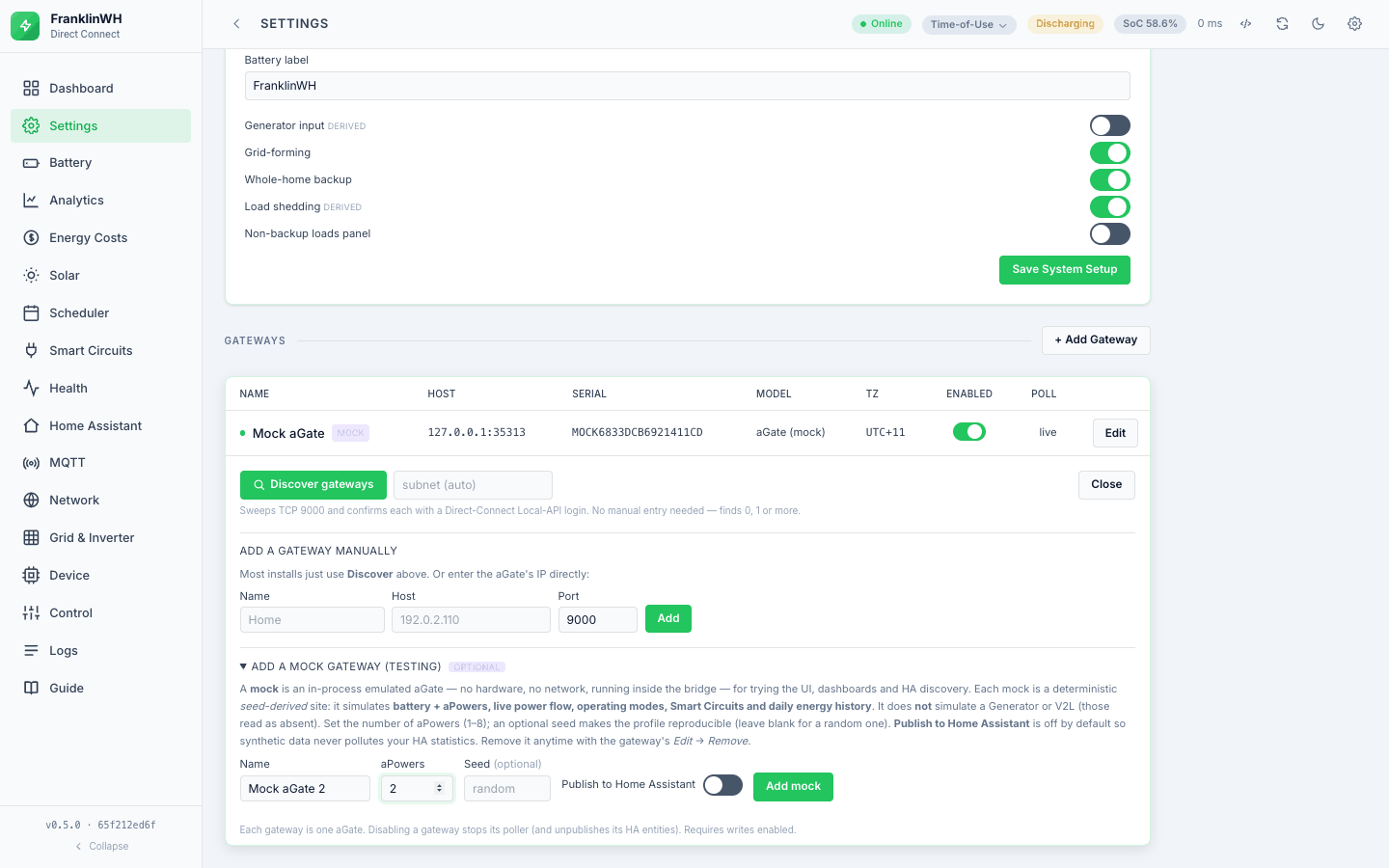
Settings → Gateways → Add mock. A mock runs the Direct Connect library's threaded
Emulator inside the bridge process on 127.0.0.1 at an ephemeral port, with a seed
and an aPower count you choose. The seed is stable — derived from the gateway id when you
do not set one — so the synthetic site and its serial are reproducible.
This is the right way to explore the UI with no hardware, and to try a schedule you would not want to run against a real battery.
What a mock actually serves — and a documented conflict. The source comment in
mockgw.py says energy_history and smart_circuits "are not synthesised, so those
views stay empty for a mock". A read-only check against the running bridge on
2026-10-15 disagrees:
GET /api/circuits?gateway=<mock>returned three named smart circuits with state, mode, SoC-cutoff and detection evidence. Not empty.GET /api/energy/flow?gateway=<mock>returned a full directional flow set withcoverage: 0.999over 729 samples. This one is not really a contradiction: the energy-flow Sankey is reconstructed from the bridge's own power samples, not read from the gateway's energy history, so it fills in for a mock simply because the bridge has been polling it.GET /api/generator?gateway=<mock>returnedinstalled: false, so the Generator tab stays hidden for a mock.
Recording the conflict rather than picking a side: the comment is at least stale about
smart circuits. The earlier docs/USER_GUIDE.md repeated the comment's claim, which is
how a stale comment becomes stale documentation.
Sites, meters, utilities and tariffs
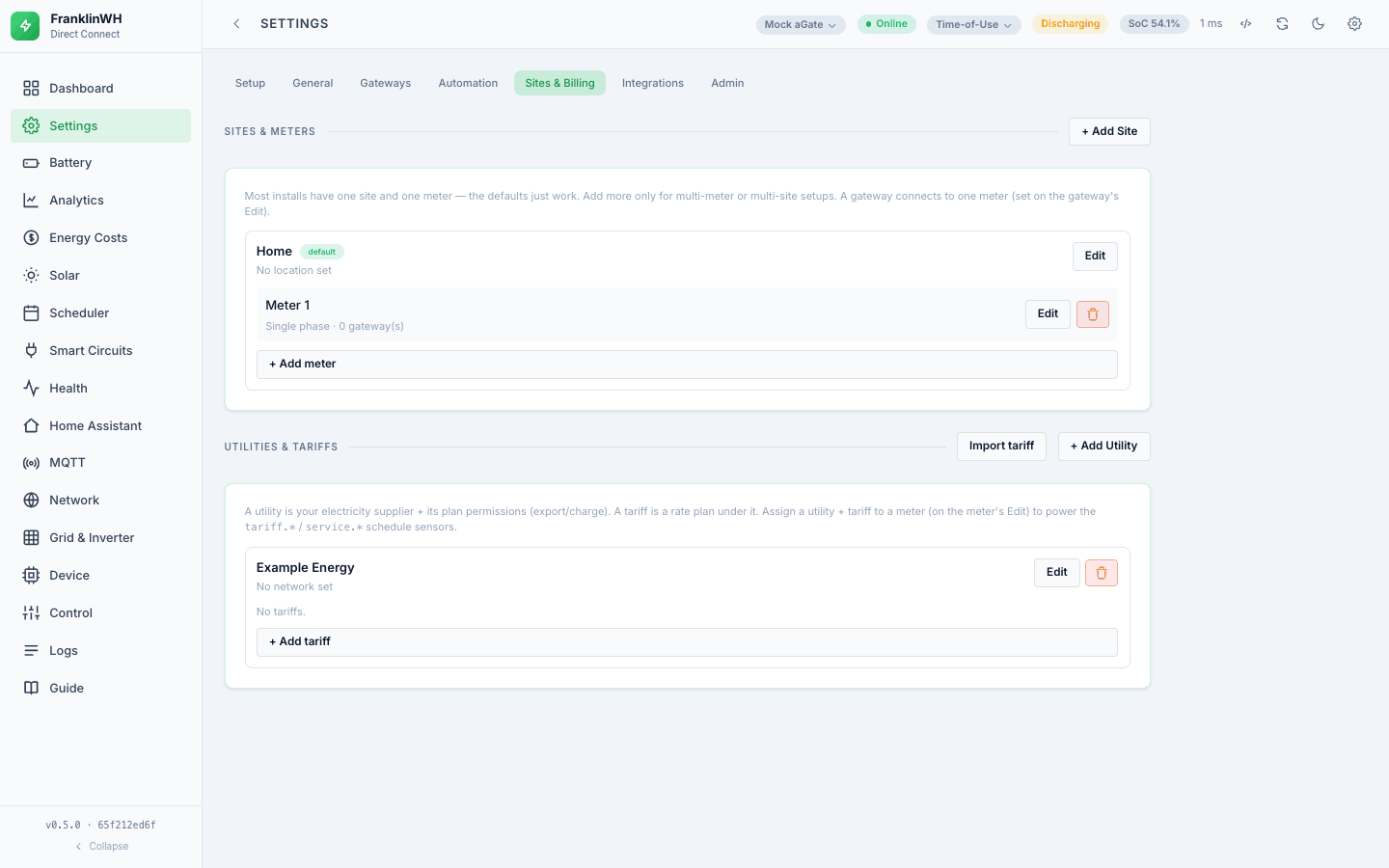
Above the gateway there is a small normalised model, managed from Settings → Sites & Billing:
- A site is a property.
- A meter is a billing point at that site. A gateway is attached to a meter
(
meter_id), and more than one gateway can share one. - A utility is the retailer; a tariff is the plan, which belongs to a utility and is assigned to a meter.
This is what makes costs meaningful on a site with two gateways behind one meter: the tariff is a property of the meter, not of the gateway, so the cost is computed once for the billing point rather than twice. Tariffs can be exported, imported and validated individually.
The model is enforced rather than advisory: deleting a meter that gateways are still attached to is refused with 409 and a count — "N gateway(s) connect to this meter — reassign them first" — instead of leaving them orphaned.
See History, costs and tariffs for what the tariff actually drives.
Schedules across gateways
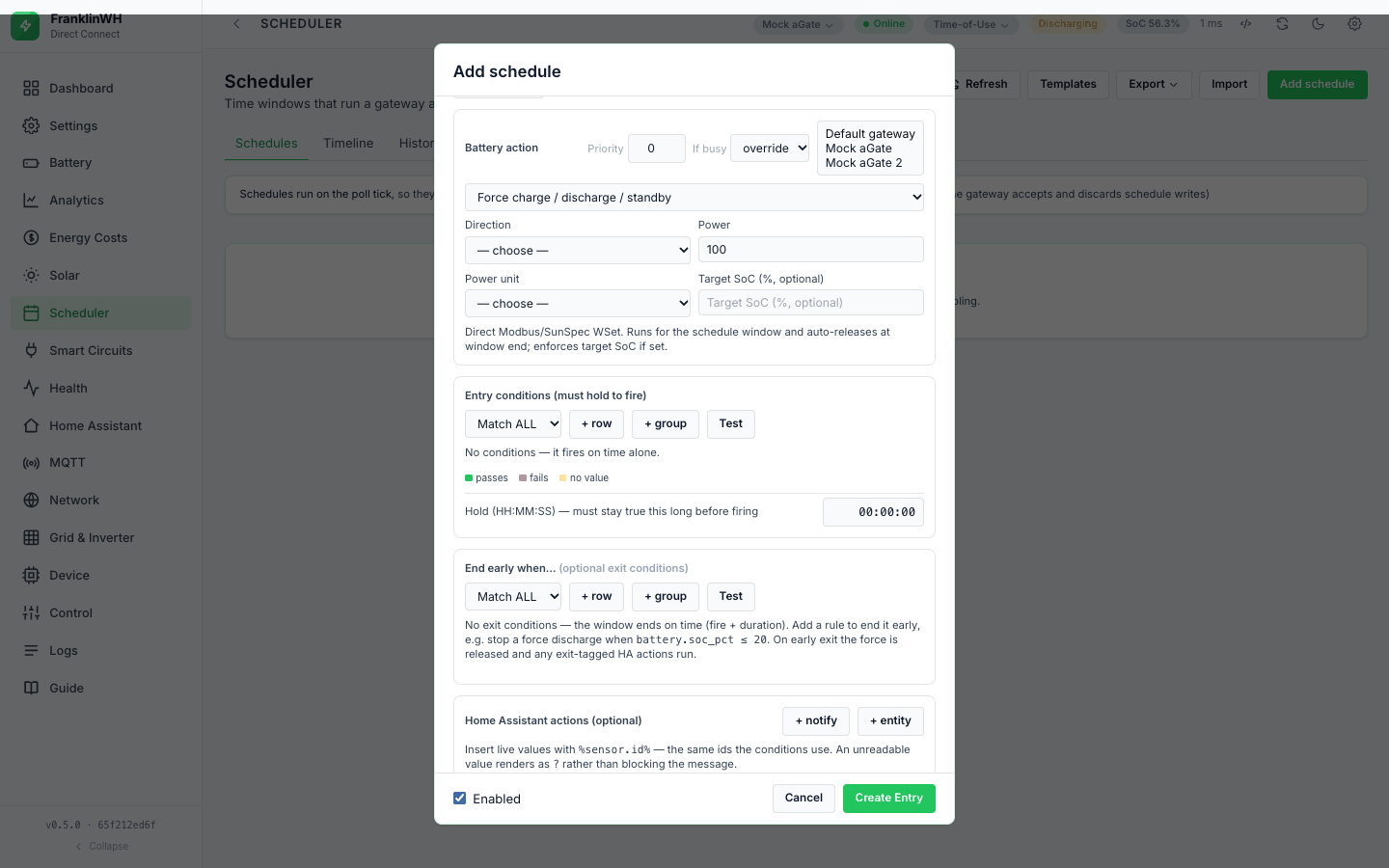
The rule is worth stating precisely, because the wrong guess is expensive:
| Rule's gateway setting | When it runs |
|---|---|
| Bound to a gateway | Only on that gateway's tick. |
| Unbound (no gateway) | On the default gateway's tick only — so it does not fire once per gateway. |
| Scope "all" | Every gateway evaluates it on its own tick, producing one run and one resource claim per gateway. |
That last row is the subtle one. An "all"-scope rule claims the resource on the gateway whose tick it is running on, not the gateway it is nominally bound to. Without that, every gateway would contend for a single resource and all but one would be deferred against a battery they were never driving.
If you import a schedule that names a gateway this bridge does not have, validation raises a warning (not an error) and the rule falls back to the default gateway, so a bundle from another install still loads and you can fix the binding afterwards.