FranklinWH Direct Connect Bridge — User Guide
This is the guide to the bridge: its web UI, its scheduler, what it publishes to Home Assistant, and which controls can actually write to your gateway.
The app's User Guide link (sidebar, or More on a phone) opens this guide. Docs
opens the site's home page. For the wire protocol itself (the cmdType catalogue and frame
formats) see the Direct Connect API
library's docs.
Alerts on your phone, or using the bridge away from home? See Your phone, notifications and access from away.
Questions, ideas or problems? Ask on GitHub Discussions. Everyone is welcome; you don't need any technical knowledge.
Open the UI at http://<bridge-host>:8101. As a Home Assistant add-on, use the add-on's
Open Web UI button or the sidebar panel.
Pages in this guide
| Section | Page | What it covers |
|---|---|---|
| Getting started | Installing, in pictures | A screenshot for each step of the three installs: Home Assistant add-on, Docker, and Python. INSTALL.md has the full text. |
| Getting started | Tour of the UI | The first-run setup wizard, the sidebar and top bar, what each tab is for, and the Integration Mapping Probe. |
| Control | Control and write safety | The Control tab, the gates between a click and your battery (confirm and provider availability; allow_writes no longer blocks), the two battery-force paths, and the audit trail. |
| Control | Battery dispatch: best practices | Leave the aGate in Self-Consumption or Emergency Backup and time charge and discharge with the Scheduler; how to tell a force is active, how to release it, and the known pitfalls. |
| Scheduler | Scheduler | Twelve pages, matching the Modbus Bridge's: concepts, triggers, conditions, actions, targets, exit and release, priorities, outcomes and restarts and the clock. Timeline, History, Run now / Stop / Pause, and using schedules from Home Assistant over REST. |
| Scheduler | Dependencies and troubleshooting, Examples | What each condition and action needs, why a schedule did nothing, and worked recipes. |
| Devices | Generator | The Generator tab: the feature switch (always available, as in the FranklinWH app), what the aGate reports, the SoC thresholds, operating windows and exercise run, and why the mode can't be changed here yet. |
| Home Assistant | Home Assistant and MQTT | The broker settings, MQTT topics, the published entities and groups, Republish and Unpublish, sharing a broker, and the Home Assistant tab. |
| Home Assistant | Home Assistant setup and notifications | Linking a Home Assistant instance (add-on or URL and token), the four setup checks, adding a phone as a notification device, which events notify you, alerts, and notifications from schedules. |
| Sites and data | Multi-gateway and sites | Registering more than one aGate, the default gateway, mock gateways, sites, utility services and meters. |
| Sites and data | History, costs and tariffs | What the bridge stores and for how long, the energy and cost views, tariffs, and how far to trust the numbers. |
| Reference | User Guide — moved | The old single-file guide's address, kept so old links land somewhere useful. |
Writing code against the bridge? The Developers Guide covers the REST API and its OpenAPI schema, how the web UI uses it, the MQTT topics, and how the bridge reads Home Assistant.
To understand the aGate's own protocol, use the in-app Guide button.
The one thing to understand first
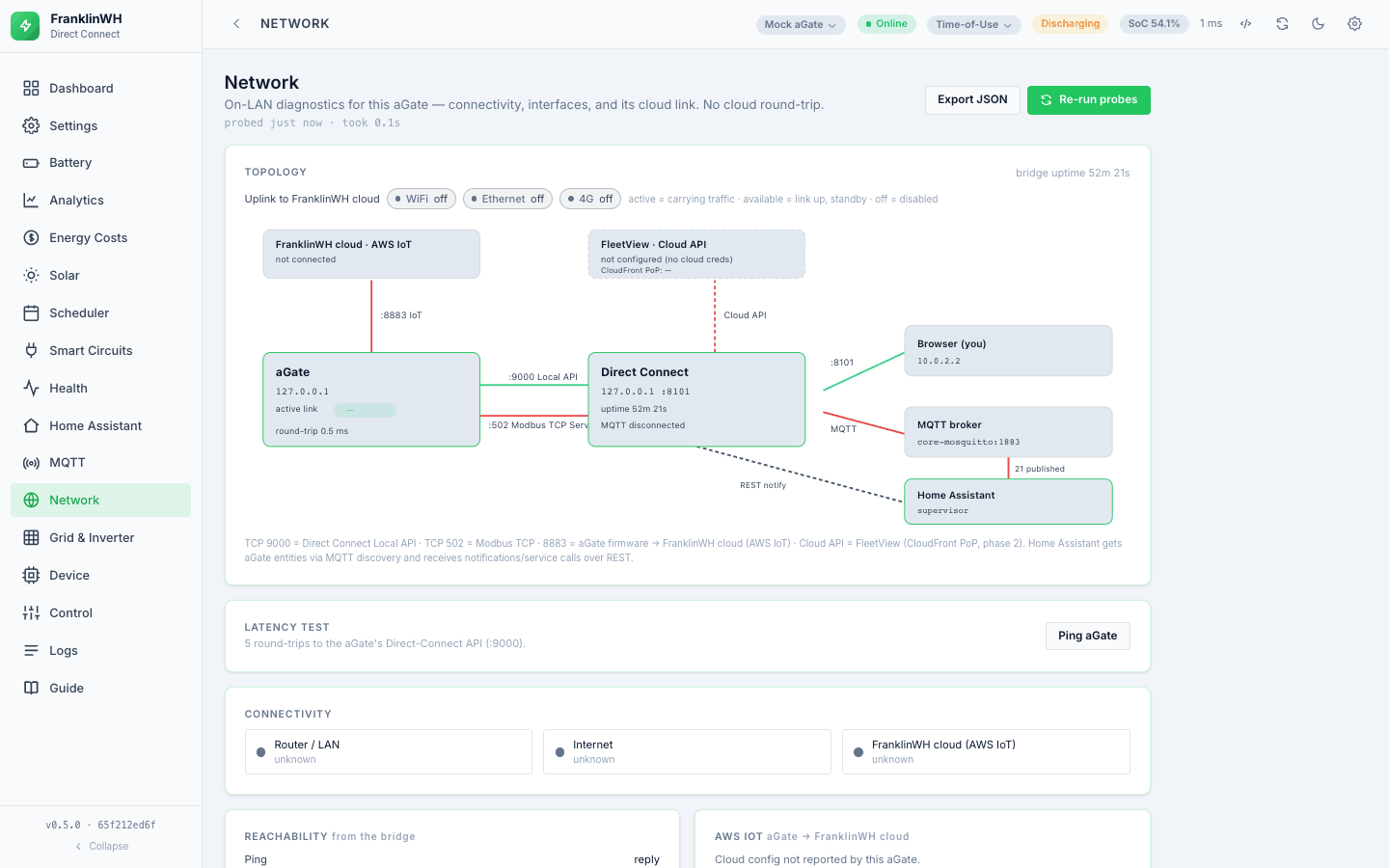
The bridge reaches your system over three different paths, and they do not have the same powers. Most of the surprises in this UI come from this split, so it is worth reading once:
| Path | Transport | What it owns |
|---|---|---|
| Local (Direct Connect) | sendMqtt over TCP :9000 to the aGate |
Almost all reads; operating mode; smart-circuit on/off; off-grid; generator config; reboot |
| Modbus client (this bridge) | SunSpec, either direct to the Modbus TCP Server (aGate :502) or through an installed Modbus Bridge over REST | Battery force charge / discharge / standby, and the inverter's max charge/discharge ratings |
| Cloud | FranklinWH cloud API (needs your FranklinWH account) | Reserve SoC, the TOU schedule, and some authoritative status |
The bridge records, in code and in the UI, a short list of things that cannot be done
over the local path — not as an assumption but as a probe result. GET /api/capabilities
returns them; measured on the running bridge on 2026-10-15:
| Wanted | Why not locally |
|---|---|
| Reserve SoC | "1405/1725/1727 accept the write and discard it" |
| TOU schedule | "1407 accepts the write and discards it" |
| Smart-circuit schedule | "1409 accepts the schedule write and discards it" |
| Force charge/discharge | "no dispatchId/gridChargeMax field exists locally" |
Where a path is missing, the UI is meant to say so and disable the control rather than offer one that silently does nothing. If you find a control that fails without explaining itself, that is a defect worth reporting.
If you ever need to know where a number on screen actually came from, the bridge has a tool for exactly that: Settings → Integrations → Mapping has a read-only Probe that takes a field name, finds the frame itself, and shows you the live value and the exact request it sent. See Tour of the UI.
How this guide was checked
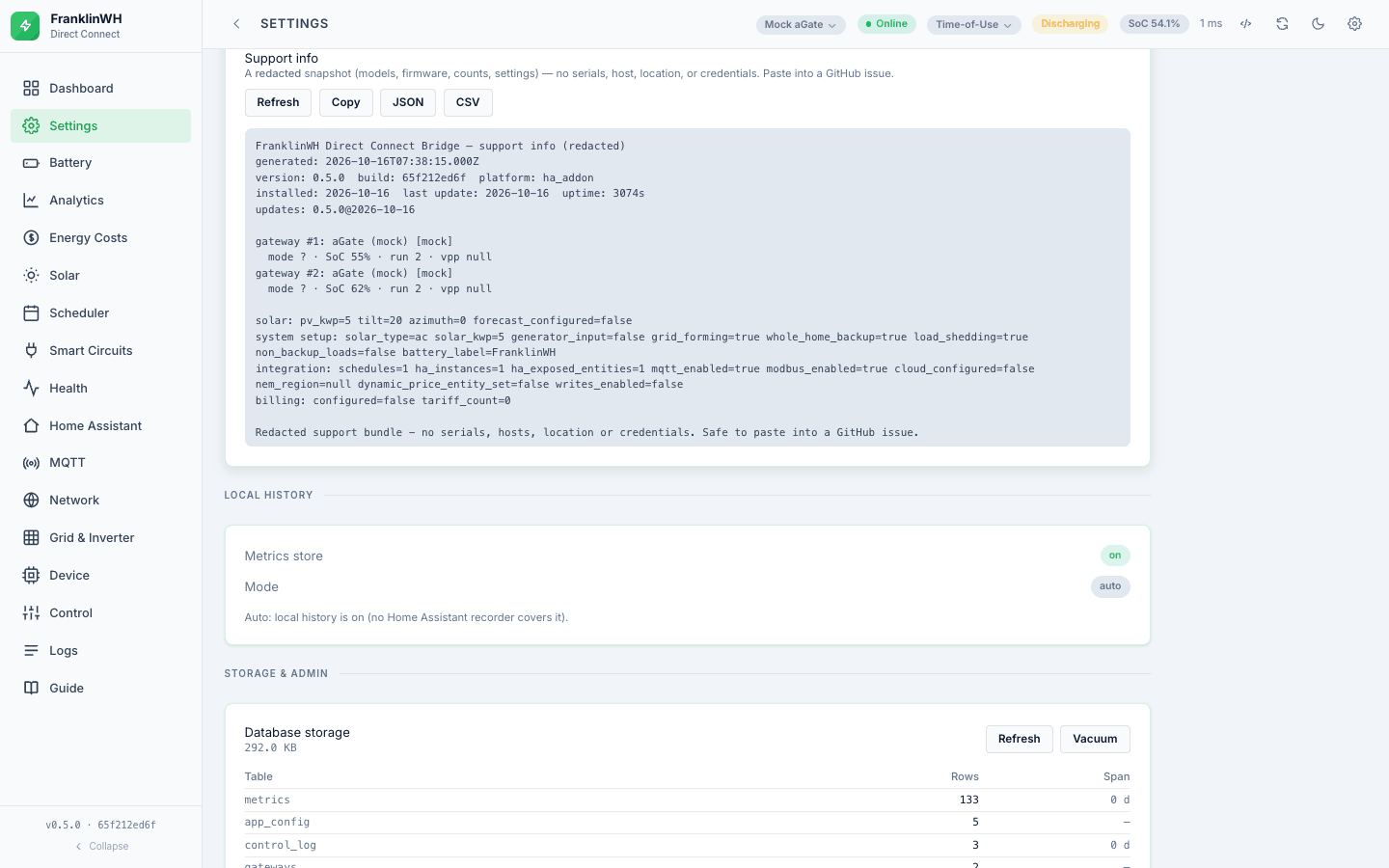
Every statement here was taken either from the bridge's source in this repository or from
a read-only GET against a running bridge. Live reads were taken on 2026-10-15
against a bridge reporting version 0.2.0, source_sha bc847f5 (from /api/version).
Two caveats, stated rather than hidden:
- That container was two commits behind this repository's
mainat the time (bc847f5vse9bc99d). One of the two is documentation only; the other changed how the bridge authenticates to an installed Modbus Bridge. Anything about Modbus Bridge REST below therefore comes from the source, not from a live read, and is marked. - Where a behaviour depends on hardware this guide could not exercise (a generator, a three-aPower stack, an actual grid outage), it says unverified. One site on one firmware is a hypothesis, not a mapping.
Counts quoted below (21 published entities, 196 scheduler sensors, 8 trigger types, 13 operators) are from that live bridge and will differ with your configuration — they are there to tell you the shape of the thing, not to be exact on your install.
Integration → Mapping and its Probe landed in main while this guide was being
written and were read from the source only; they were not exercised against the running
bridge, which predates them.