Home Assistant and MQTT
The bridge publishes your aGate to Home Assistant over MQTT discovery, so the gateway arrives as a native HA device with sensors and a few controls. There is no custom integration to install.
Two tabs are involved, and they point in opposite directions:
- MQTT — what this bridge publishes outward: the broker connection, the entity list with live values and topics, which groups are enabled, and a scan for other FranklinWH publishers on the same broker.
- Home Assistant — what the bridge reads inward from HA: your HA instances, which HA entities to expose to the Scheduler, your notification devices, and a dashboard-card YAML generator.
Setting up the broker
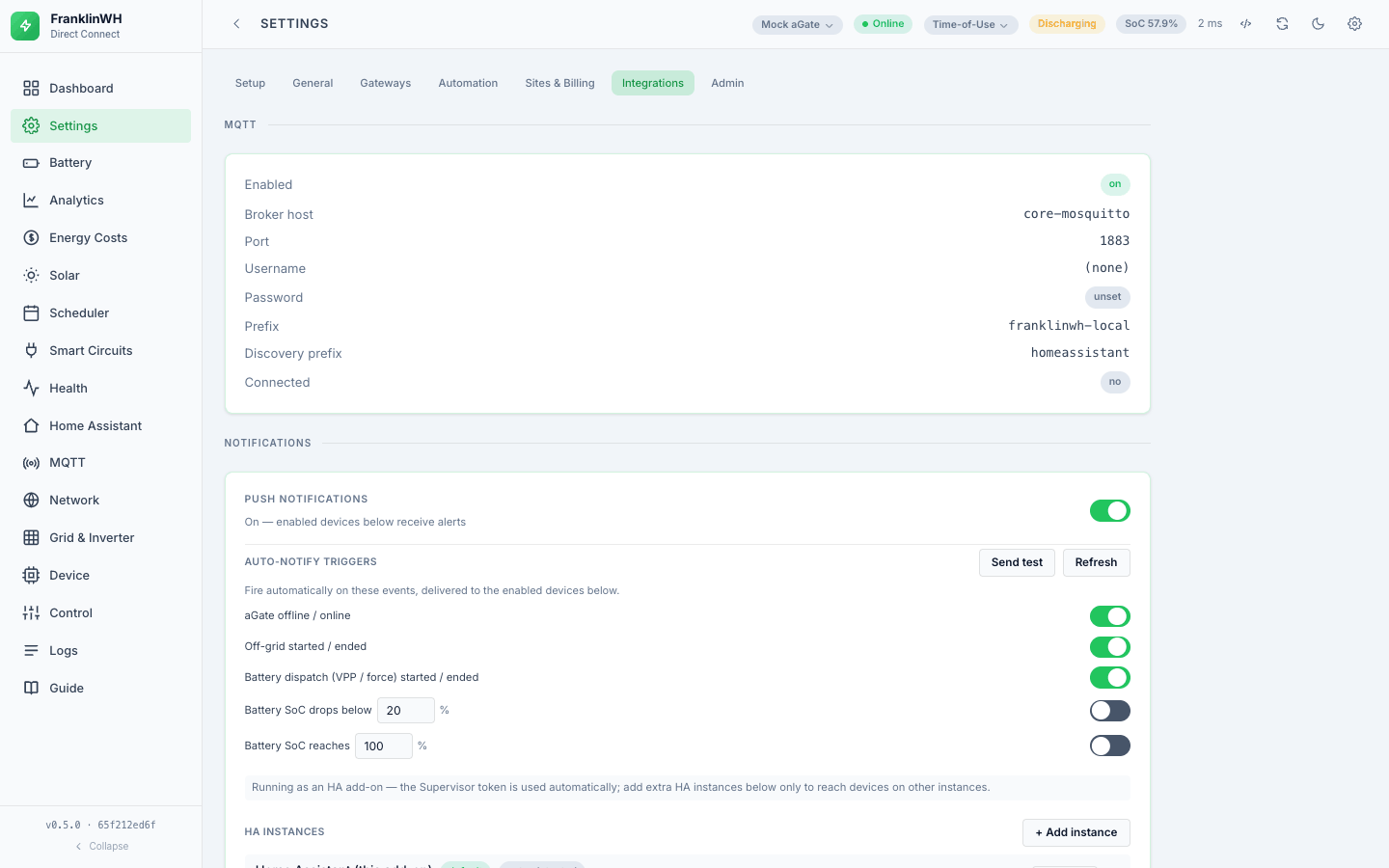
The broker settings are not live-editable. They come from the environment (or the
add-on's options) and need a restart to change, unlike allow_writes and the log level.
Settings → Integrations → MQTT shows them read-only, with a Connected chip.
| Setting | Default |
|---|---|
MQTT_ENABLED |
false |
MQTT_HOST |
core-mosquitto |
MQTT_PORT |
1883 |
MQTT_USERNAME / MQTT_PASSWORD |
empty |
MQTT_PREFIX |
franklinwh-local |
HA_DISCOVERY_PREFIX |
homeassistant |
As a Home Assistant add-on, set these in the add-on's configuration; the default host assumes the official Mosquitto add-on.
One side effect worth knowing
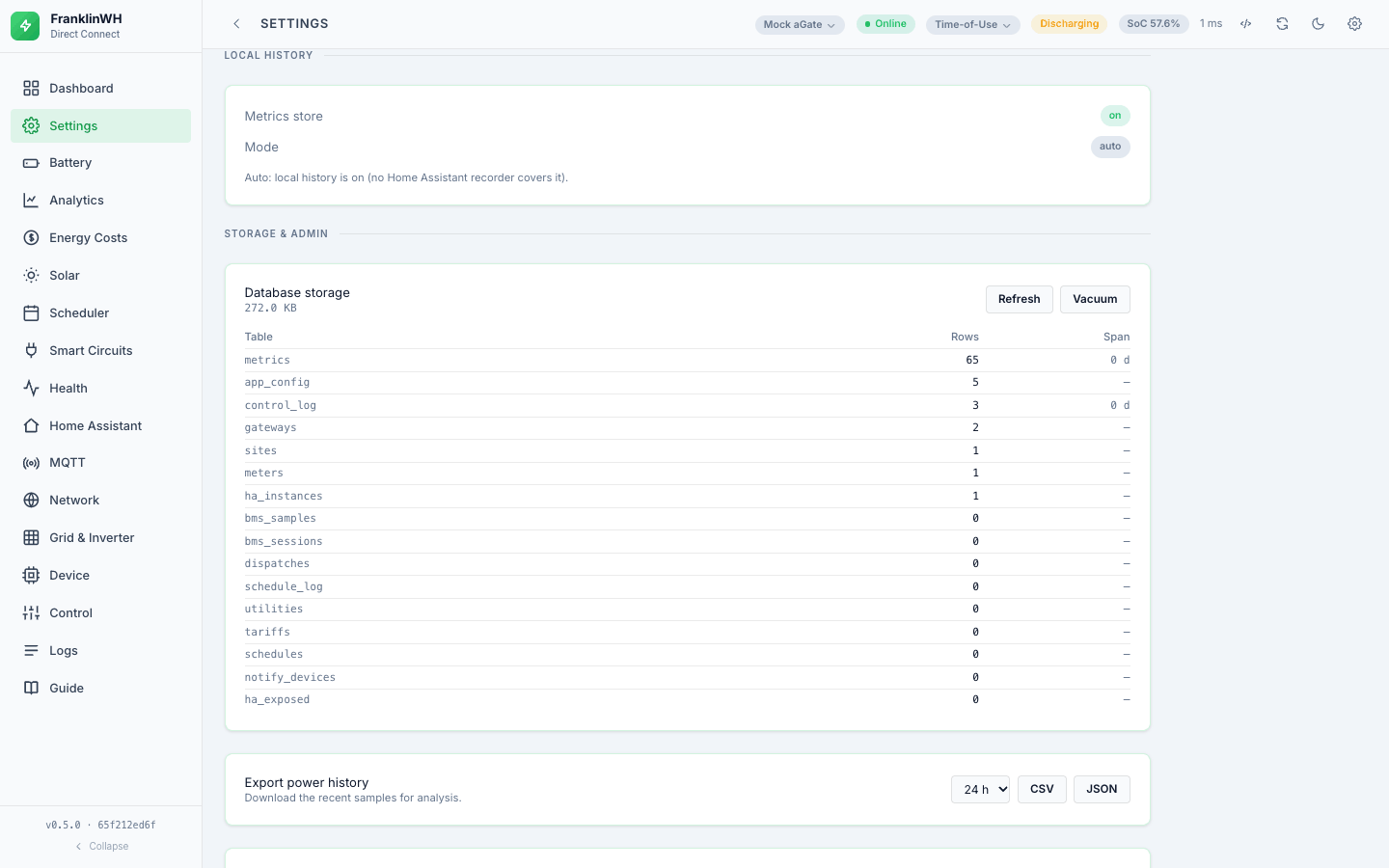
The bridge's own SQLite history is on unless you turn it off, add-on or not, MQTT
or not. It used to switch itself off for an add-on with MQTT enabled, on the reasoning
that Home Assistant's recorder keeps the published entities. But the bridge's own
charts read only the local store, so they went empty; since #136 an unset value means on
(metrics_active() in config.py). Set METRICS_ENABLED=false to opt out.
Topics
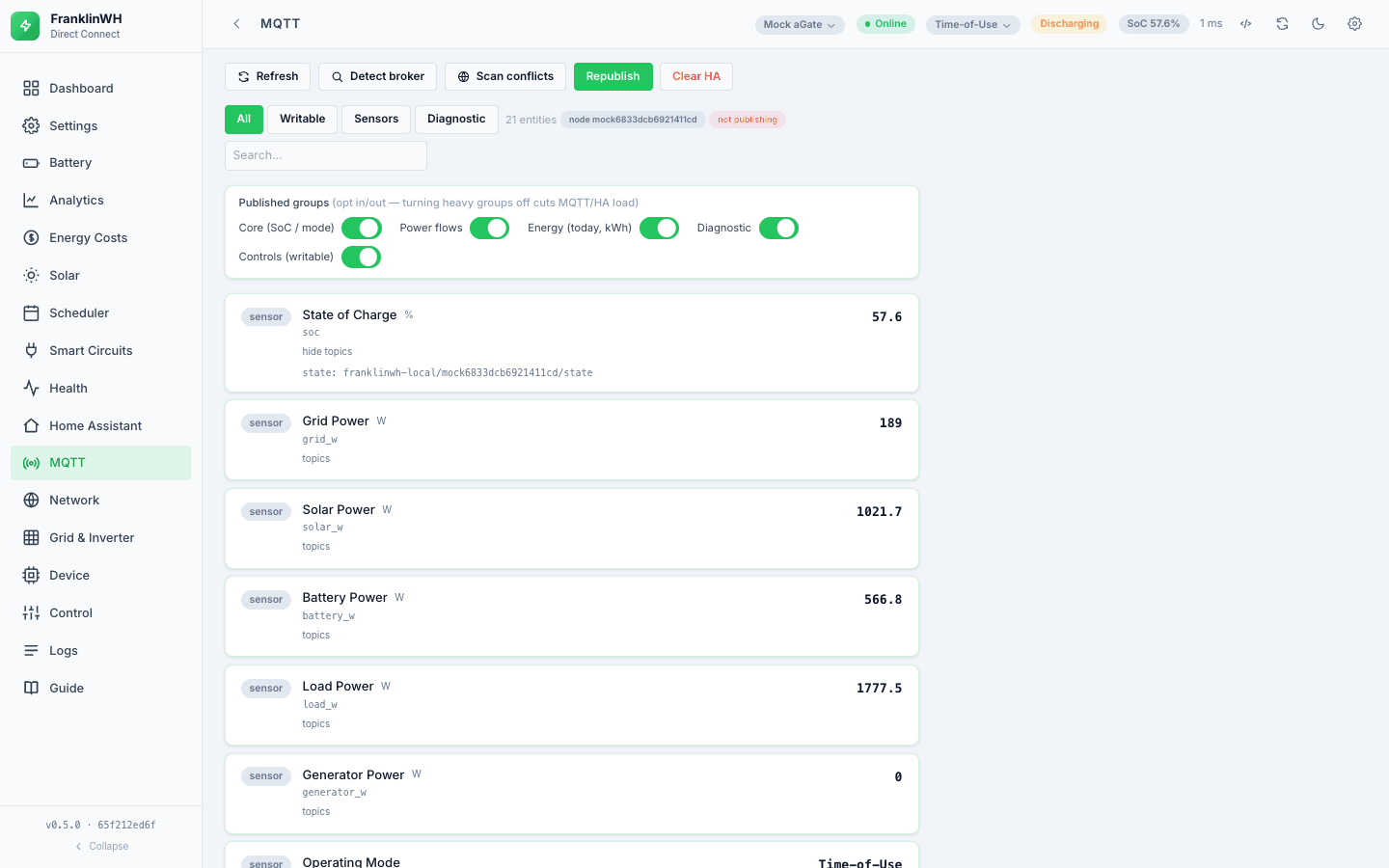
The bridge uses one JSON state topic per device. With the defaults, and writing <node>
for the node id:
| Purpose | Topic |
|---|---|
| State (all values, one JSON object) | franklinwh-local/<node>/state |
| Availability | franklinwh-local/<node>/availability |
| Commands in | franklinwh-local/<node>/control/<key>/set |
| Discovery configs | homeassistant/<sensor\|select\|switch>/<node>/<key>/config |
The node id is your gateway's serial number, lower-cased. Each discovery config pulls
its own field out of the shared state JSON with a value_template, and availability is a
separate topic driven by the health round-trip and the MQTT last-will, so an offline
gateway shows as unavailable in HA rather than as stale numbers.
In Home Assistant the device appears as "FranklinWH Direct <last 8 characters of the
serial>", so several gateways are told apart (device_name() in
publish/entities.py). The name is only a label. The device's identity is its
identifiers, franklinwh_<node>; changing those would create a second device and
orphan every entity already discovered. sw_version reads "Direct Connect Bridge v" and
this bridge's version, and that prefix is how the bridge recognises its own entities
on a broker shared with other FranklinWH publishers. The aGate's firmware is shown as
the hardware version when known. Developer detail:
Sending data to Home Assistant over MQTT.
The entities
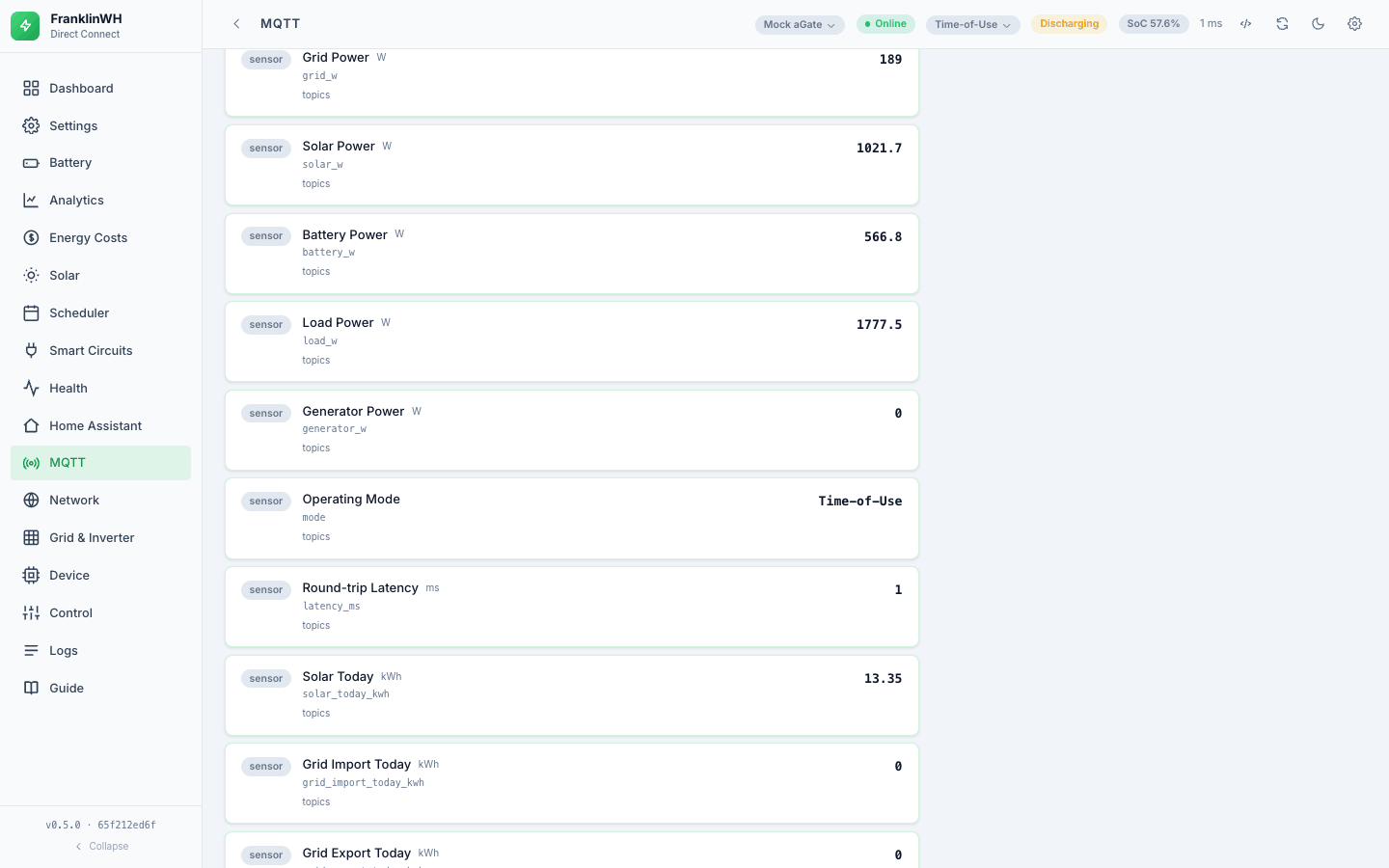
Measured live on 2026-10-15: 21 entities — 17 sensors and 4 controls.
Sensors
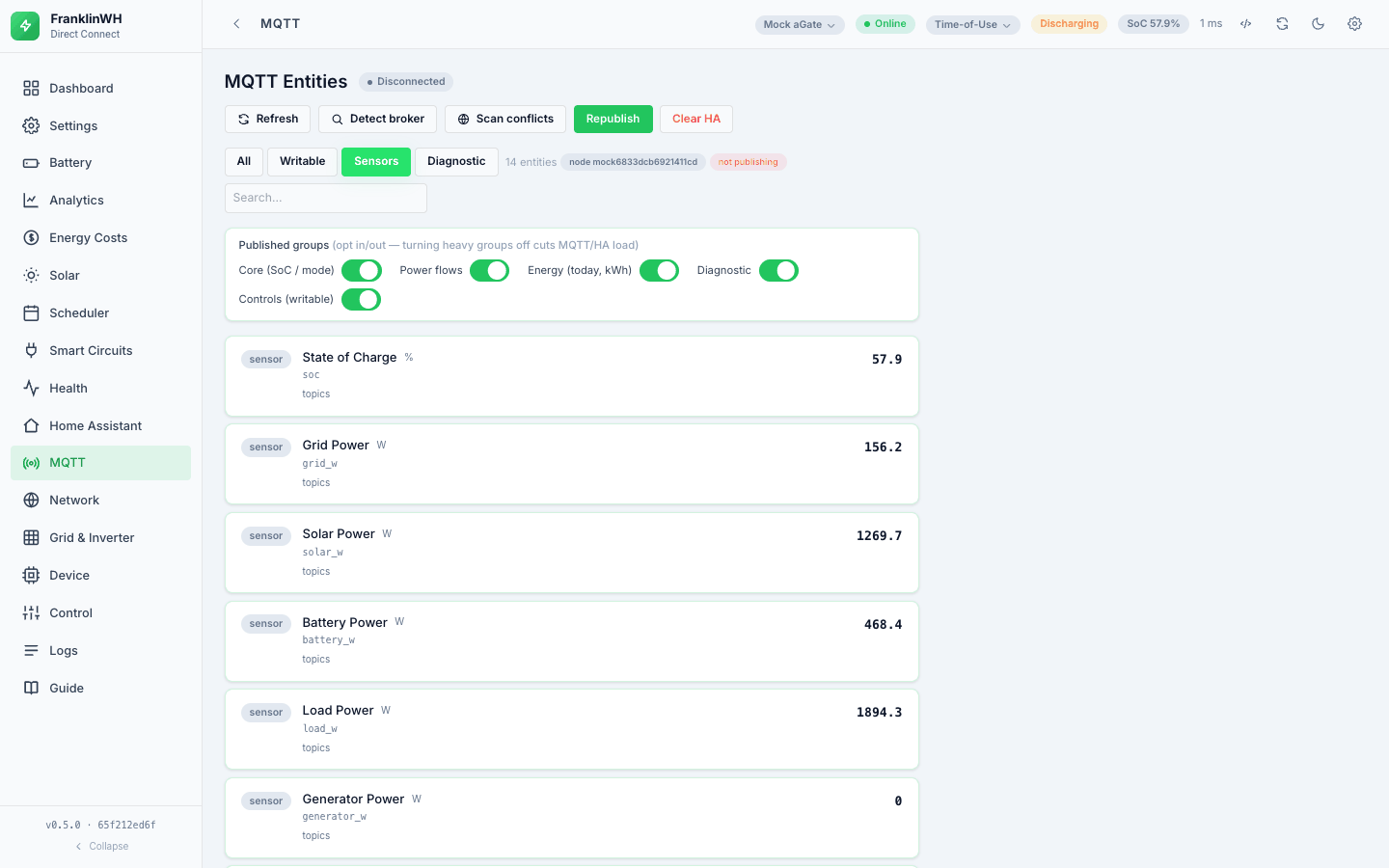
| Key | Name | Unit | Group |
|---|---|---|---|
soc |
State of Charge | % | core |
mode |
Operating Mode | — | core |
grid_w |
Grid Power | W | power |
solar_w |
Solar Power | W | power |
battery_w |
Battery Power | W | power |
load_w |
Load Power | W | power |
generator_w |
Generator Power | W | power |
battery_status |
Battery State (charging / discharging / standby) | — | power |
solar_today_kwh |
Solar Today | kWh | energy |
grid_import_today_kwh |
Grid Import Today | kWh | energy |
grid_export_today_kwh |
Grid Export Today | kWh | energy |
battery_charge_today_kwh |
Battery Charged Today | kWh | energy |
battery_discharge_today_kwh |
Battery Discharged Today | kWh | energy |
load_today_kwh |
Home Load Today | kWh | energy |
ambient_temp_c |
Ambient Temperature | °C | diagnostic |
run_status |
Run Status | — | diagnostic |
latency_ms |
Round-trip Latency | ms | diagnostic |
The six daily kWh counters are published as total_increasing with the energy device
class, which is what the Home Assistant Energy dashboard needs. They come out of the
same payload the bridge already polls, so they cost nothing extra.
battery_status is derived from the sign of battery power: negative is charging,
positive is discharging, zero is standby.
Controls (writable)
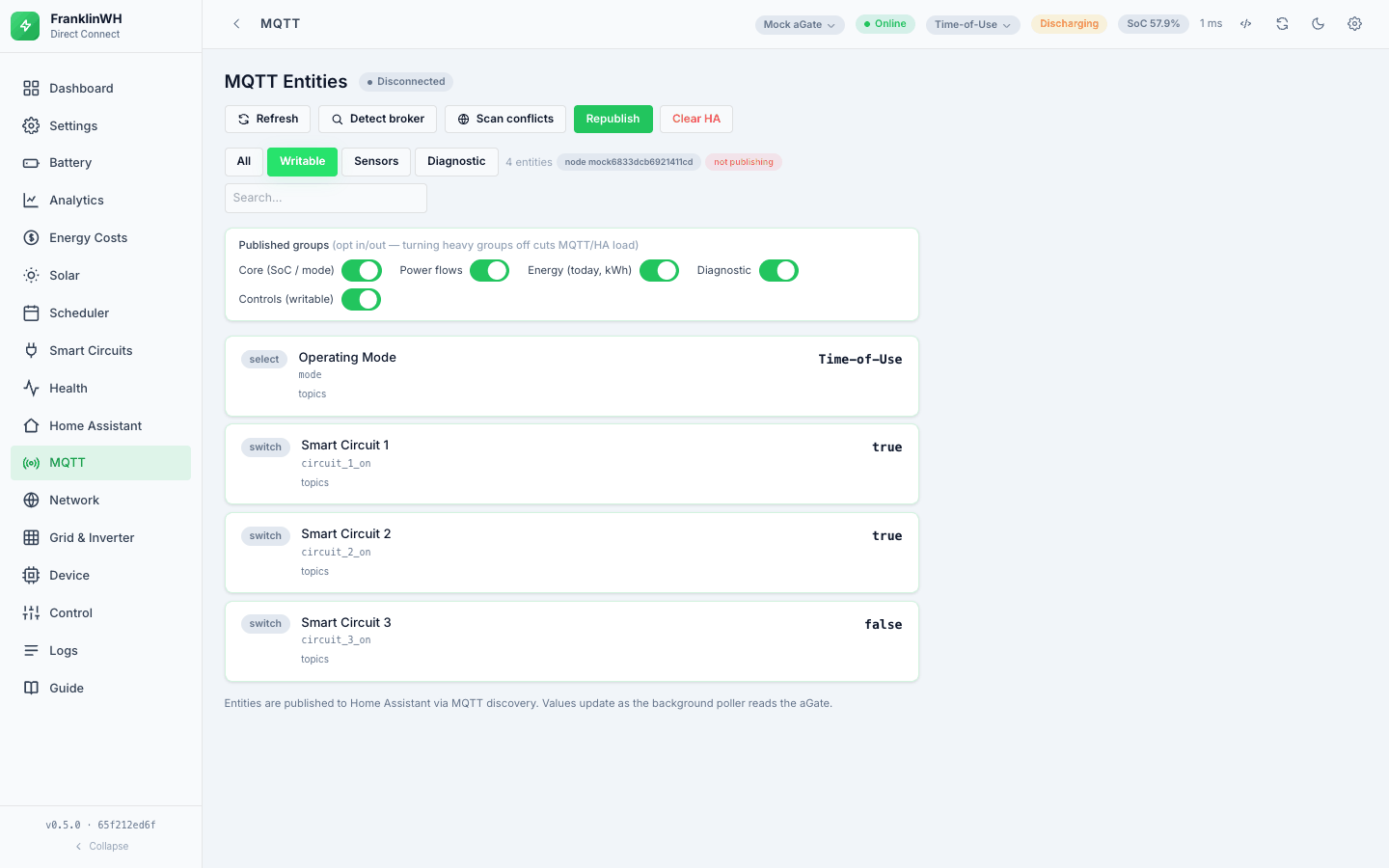
| Key | HA type | Options |
|---|---|---|
operating_mode |
select |
Time-of-Use · Self-Consumption · Emergency Backup |
smart_circuit_1 |
switch |
ON / OFF |
smart_circuit_2 |
switch |
ON / OFF |
smart_circuit_3 |
switch |
ON / OFF |
The publisher subscribes to …/control/+/set and routes by the key in the topic.
Two obvious candidates are deliberately absent, and the reason is in the code: reserve SoC and smart-circuit schedules are not published because the gateway discards both writes. An HA control that silently does nothing is worse than no control. Reserve SoC is still settable from the bridge's own UI, because there it goes through the cloud instead — see Control.
Entity groups
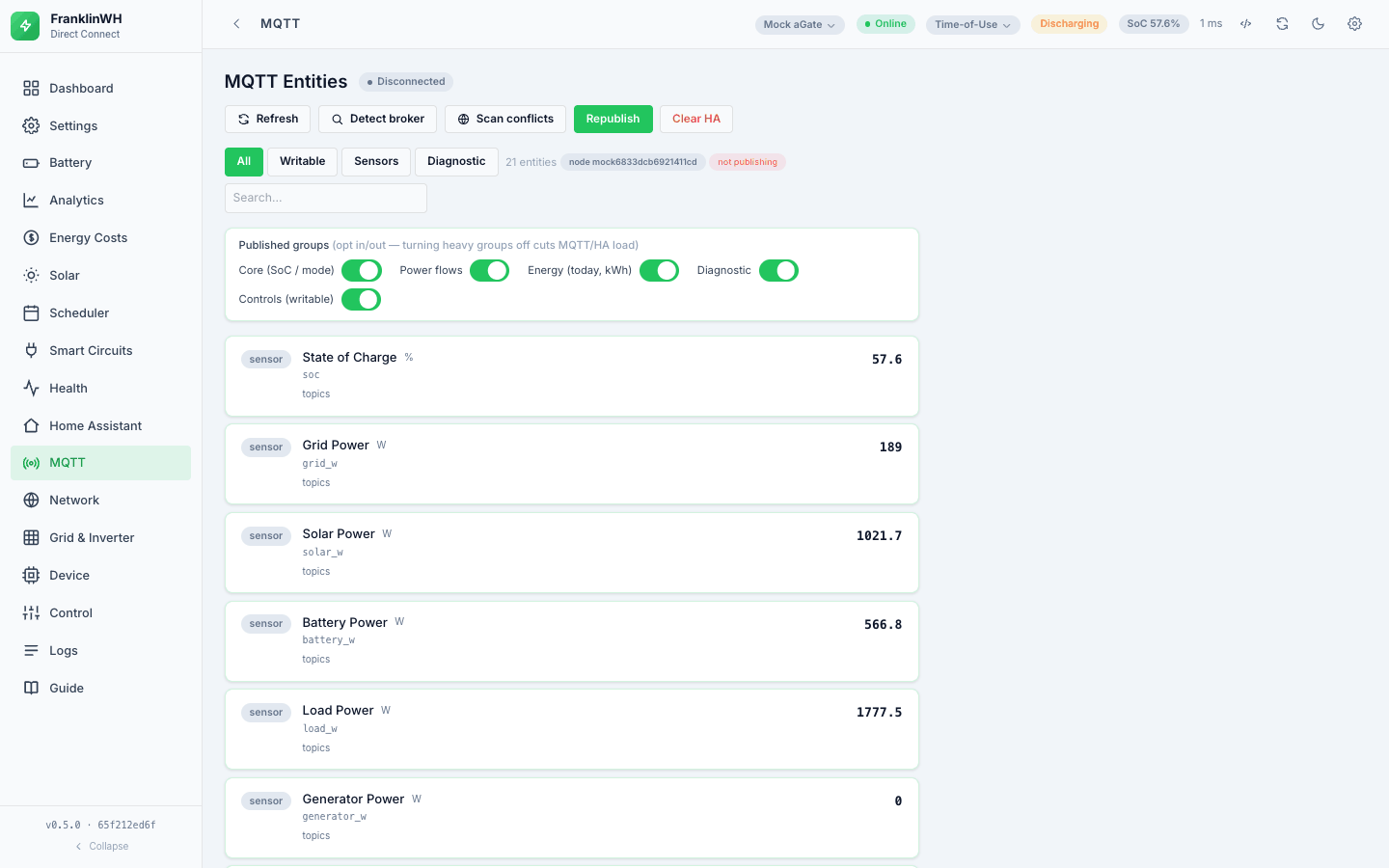
Publishing is opt-in per group, from the MQTT tab. All five were enabled on the bridge read live, and all five are on by default:
| Group | Label |
|---|---|
core |
Core (SoC / mode) |
power |
Power flows |
energy |
Energy (today, kWh) |
diagnostic |
Diagnostic |
controls |
Controls (writable) |
Turning a group off reduces both MQTT traffic and the number of HA entities.
Republish and Unpublish
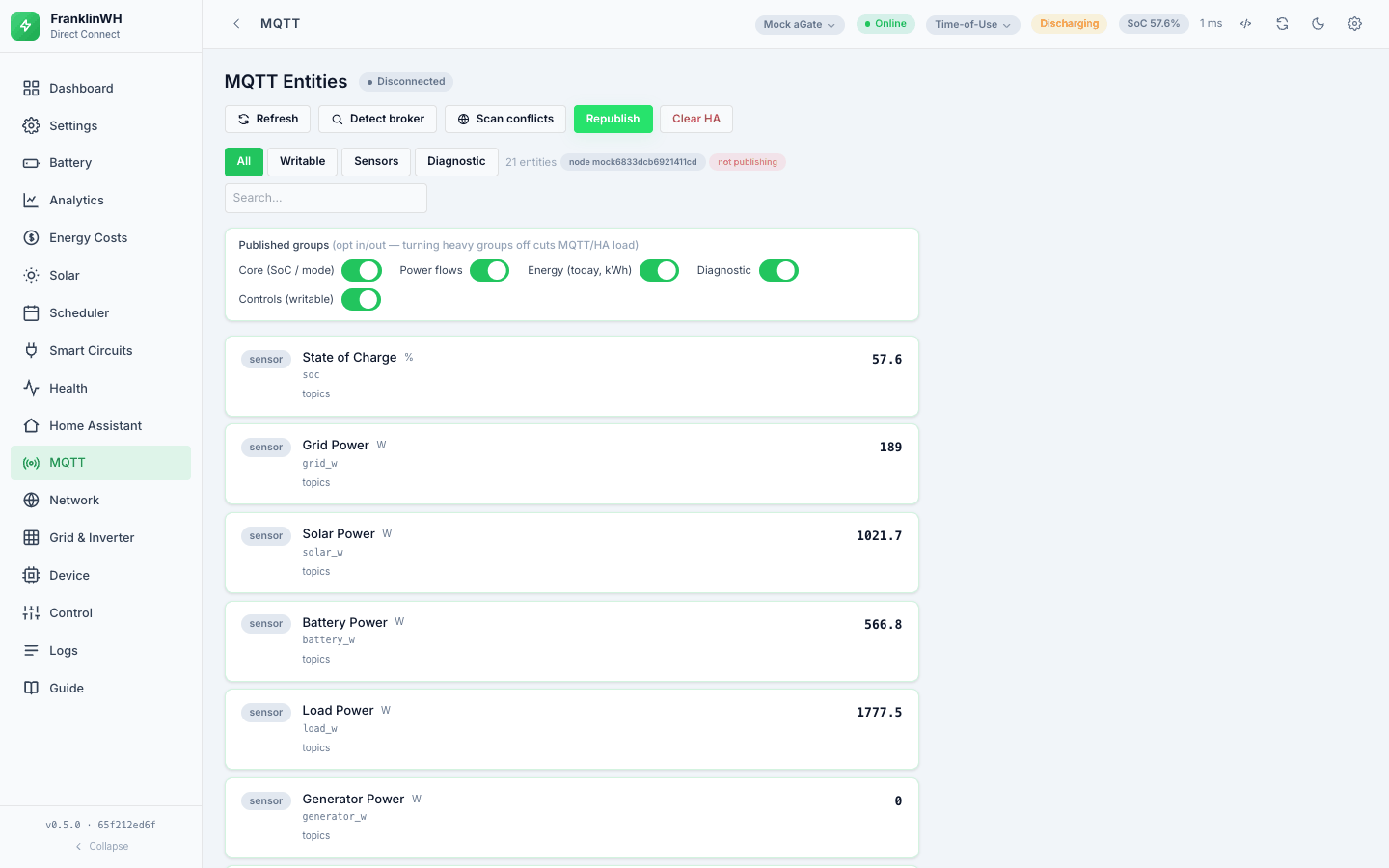
Both buttons are on the MQTT tab and act on the gateway selected at the top, not on every gateway.
| Button | What it does |
|---|---|
| Republish | Sends this gateway's discovery configs again, using the groups that are switched on. If the gateway was unpublished, it turns publishing back on (saved) and its entities return within a poll. |
| Unpublish | Removes this gateway from Home Assistant and keeps it removed. It turns the gateway's publishing off (saved, so it survives restarts) and waits for its poller to stop. It then removes every retained topic this bridge can publish for it: discovery configs of all groups, state and availability. Finally it reads the broker back and reports how many topics were removed, and any it could not remove. Before you confirm, it shows how many topics it will remove. History already in Home Assistant stays. The gateway keeps polling, and recording if history is on. |
Nothing outside this bridge is touched. The topic list comes from the bridge's own entities for that gateway, never from a wildcard, so other gateways and other FranklinWH software (Modbus Bridge, FWHAI) are left alone. Every Unpublish is recorded in Control → Audit trail.
Why Operating Mode appears twice
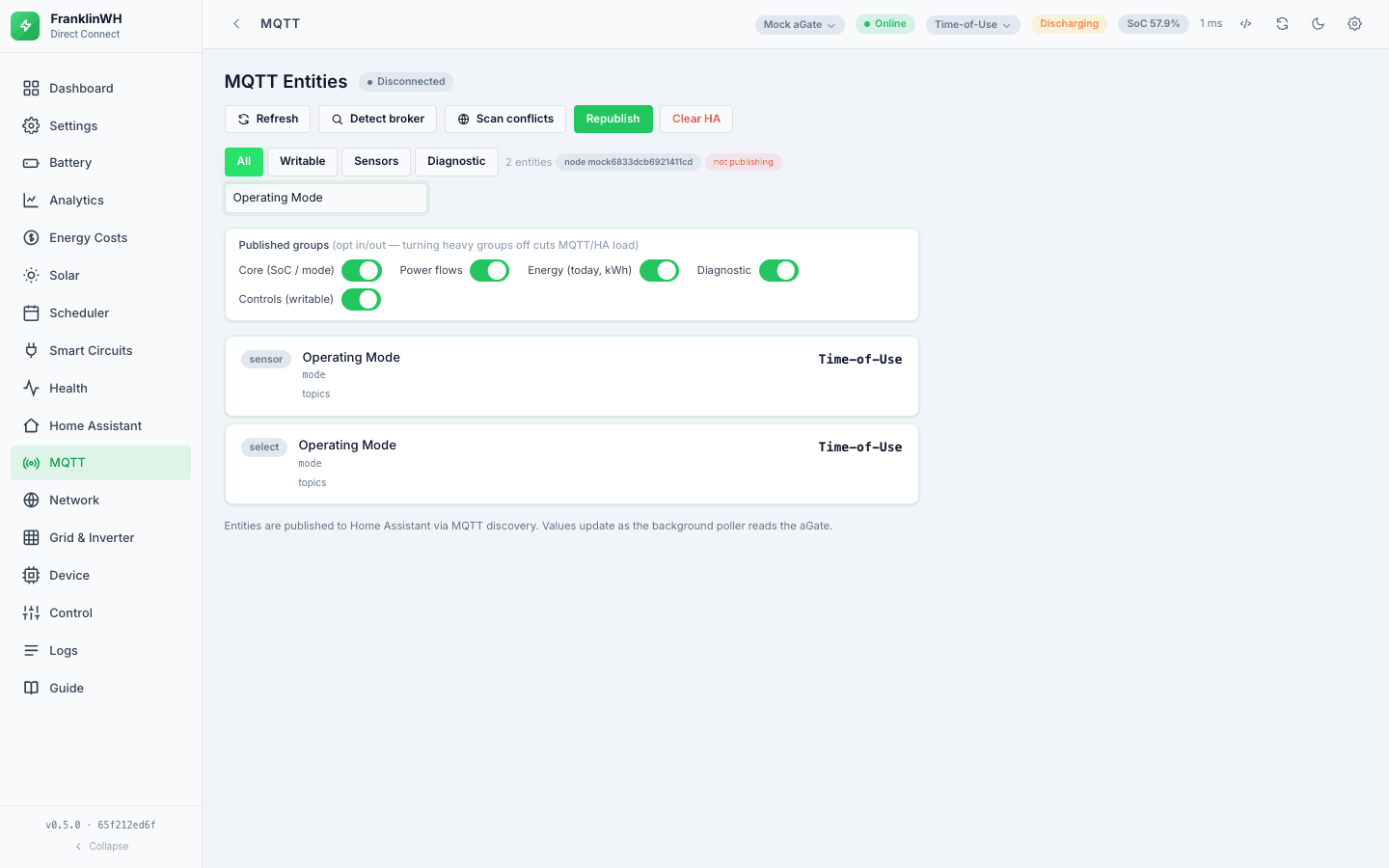
There is an Operating Mode sensor (read-only) and an Operating Mode select (the control). Both show the same value. The sensor is redundant. Removing it removes a Home Assistant entity, so it will go with the planned clean-up work, not in a quick fix.
Sharing a broker with other FranklinWH software
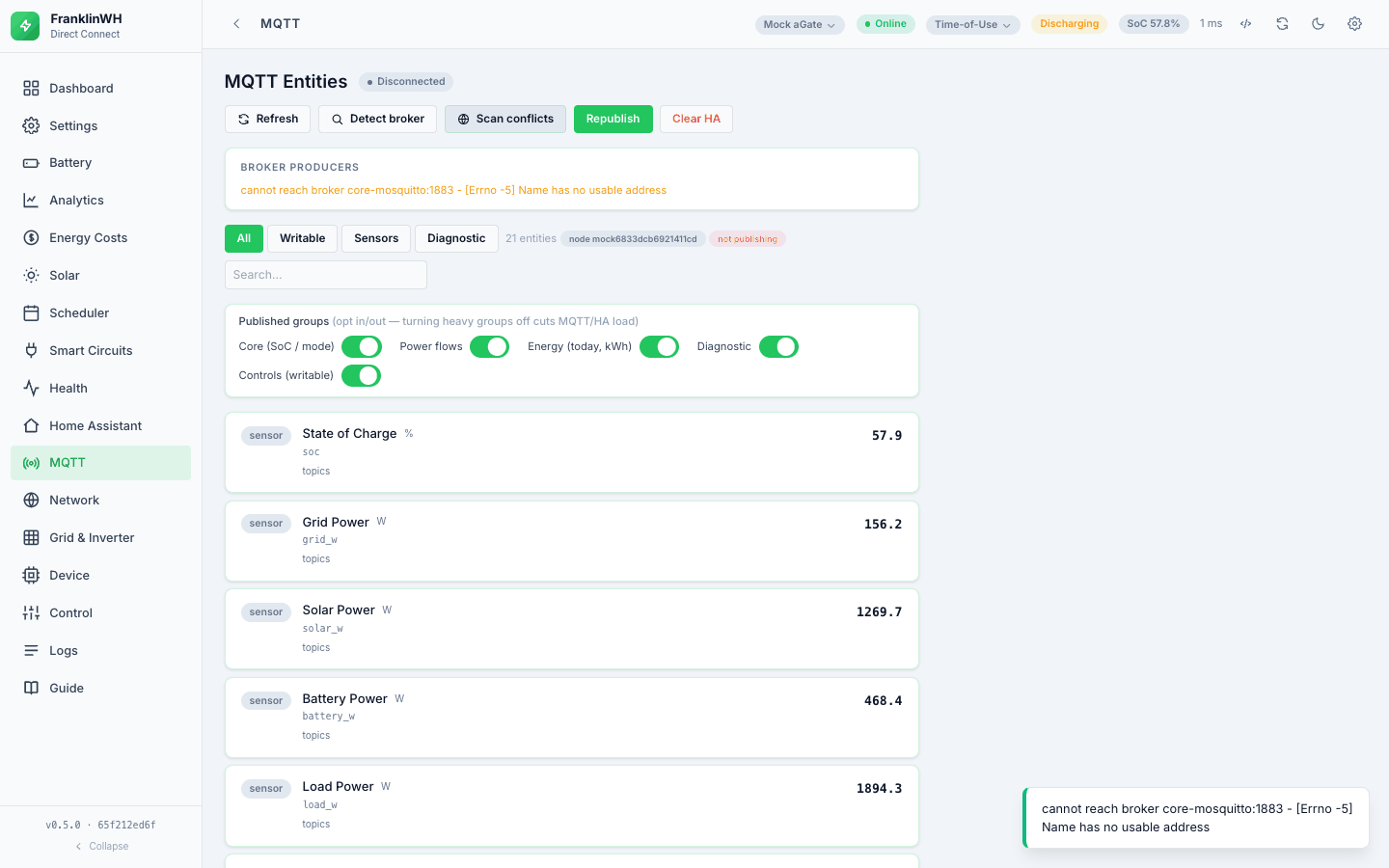
If you also run the FranklinWH Modbus Bridge or FWHAI against the same aGate and the same broker, each publishes the gateway under its own node id — so the same physical device shows up in Home Assistant as duplicate devices. That is the real failure mode, and it is not a topic collision.
The MQTT tab's Broker producers panel scans the broker (a read-only sniff of a couple of seconds) and lists any other FranklinWH publishers it finds, saying plainly "No other FranklinWH producers on this broker — clean" when there are none. There is also an orphans purge for discovery configs left behind by a node this bridge no longer publishes; it is computed against every registered gateway, so on a multi-gateway install one gateway's purge cannot delete another's entities.
Reinstalling, and keeping your history
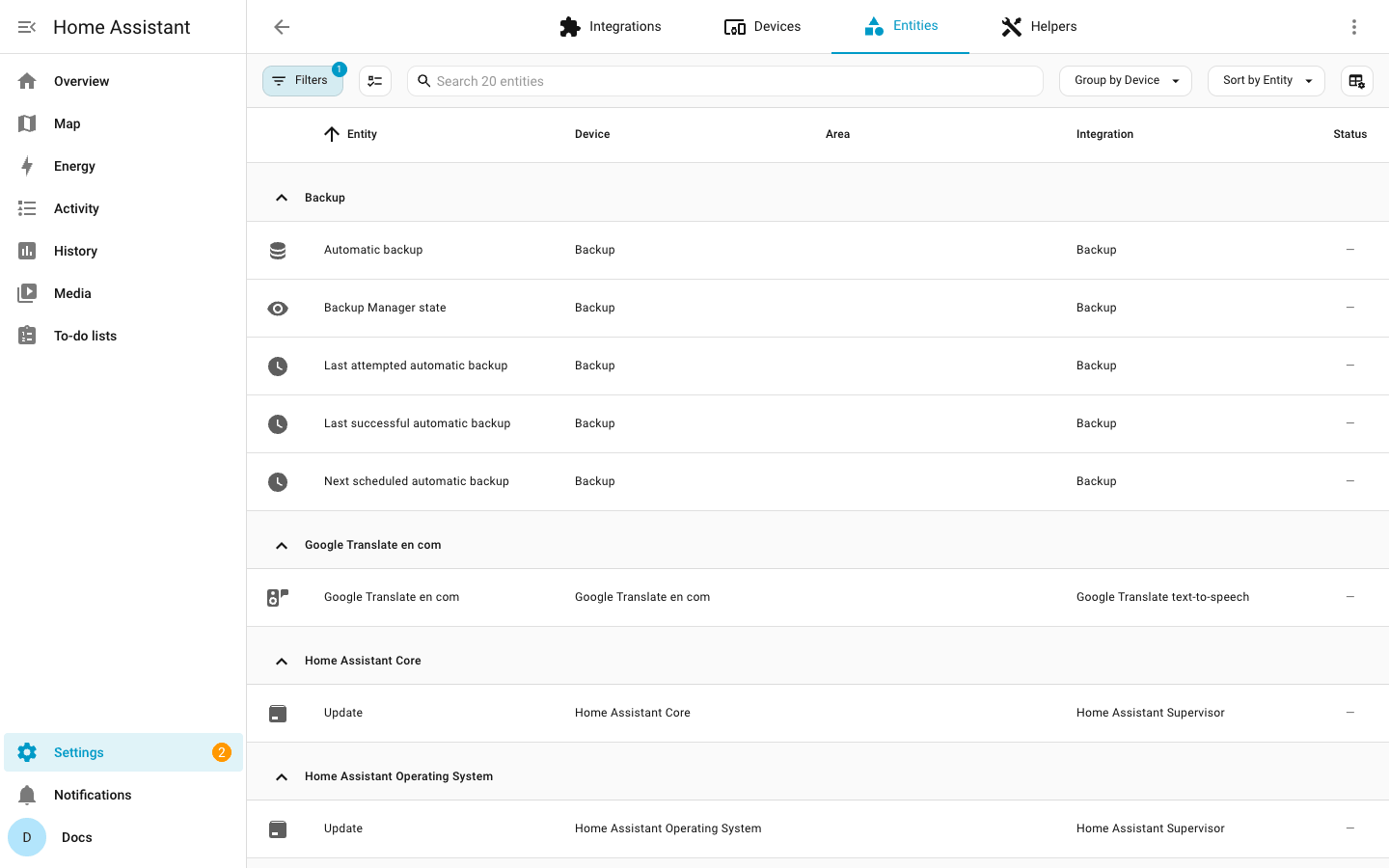
An upgrade keeps your entities. A remove-and-reinstall is the case that costs
people history: Home Assistant still holds the old entity under its id, the newly
discovered one lands as _2, and its history starts at zero — usually noticed weeks later
in the Energy dashboard.
The fix is Home Assistant's own and copies no data: free the old entity id, then rename the new entity to it. History and long-term statistics follow the id.
- INSTALL.md → Reinstalling — the steps.
- HA_HISTORY.md — the whole question, including why merging an old series into a new one by hand is discouraged, and what has to match before two series may be joined at all. The trap: this bridge's energy sensors are daily counters, so matching units do not make them the same series as a lifetime counter.
The Home Assistant tab
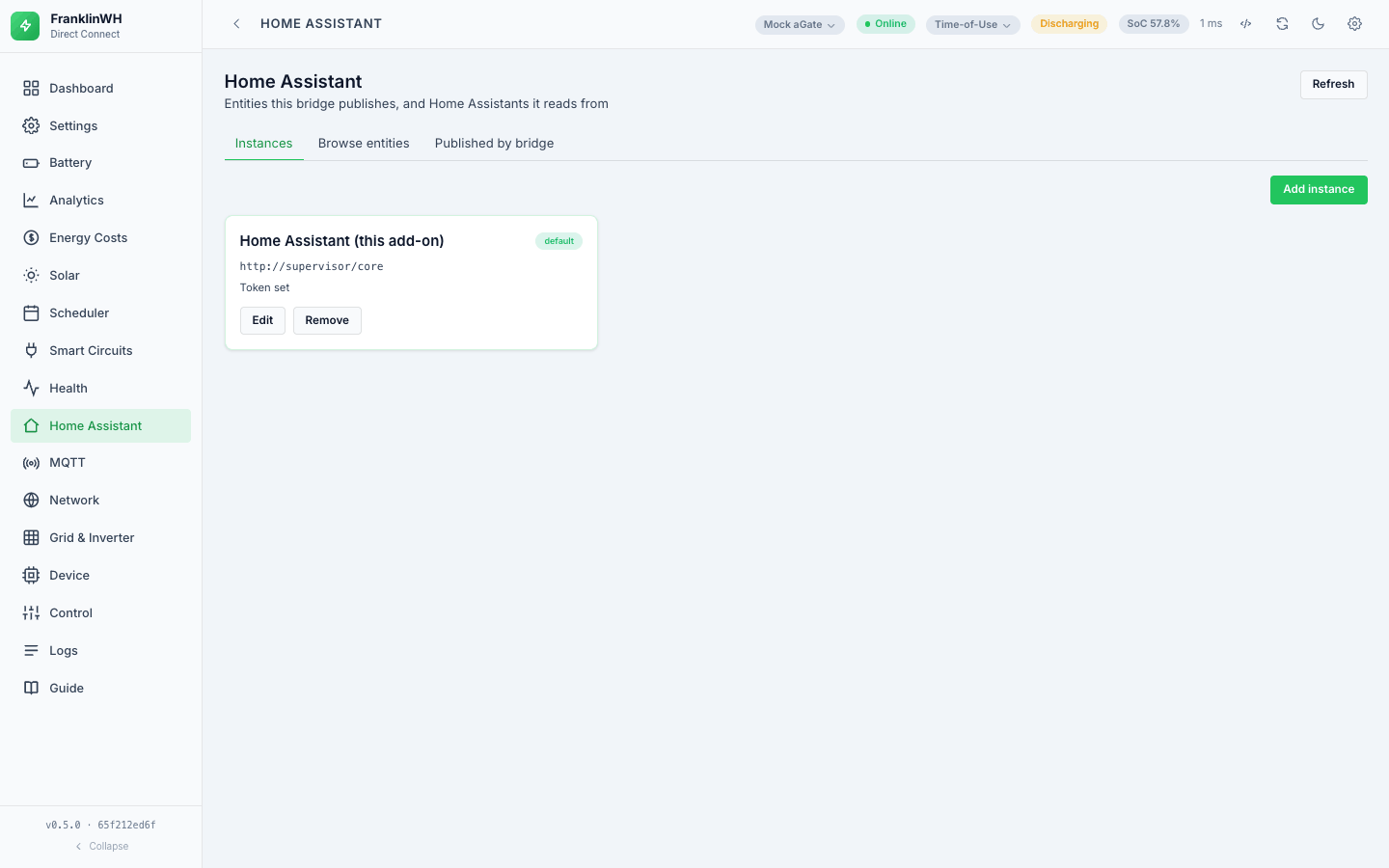
Instances
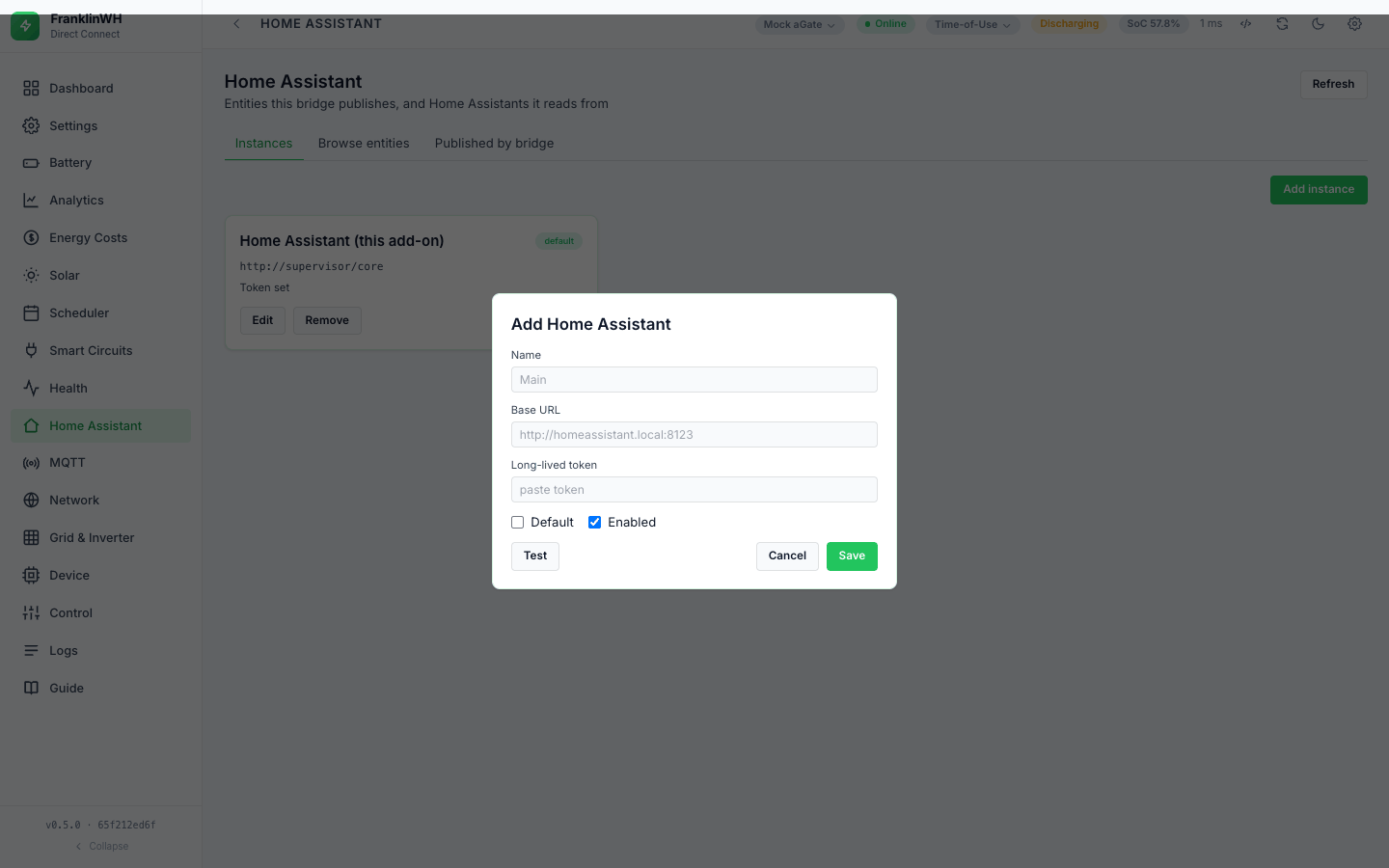
Add one or more HA instances with a base URL and a long-lived token; one can be marked default, and each can be enabled or disabled. Test checks the connection. In the HA add-on the supervisor provides the token and URL automatically, so notifications work without configuring anything.
Exposing entities
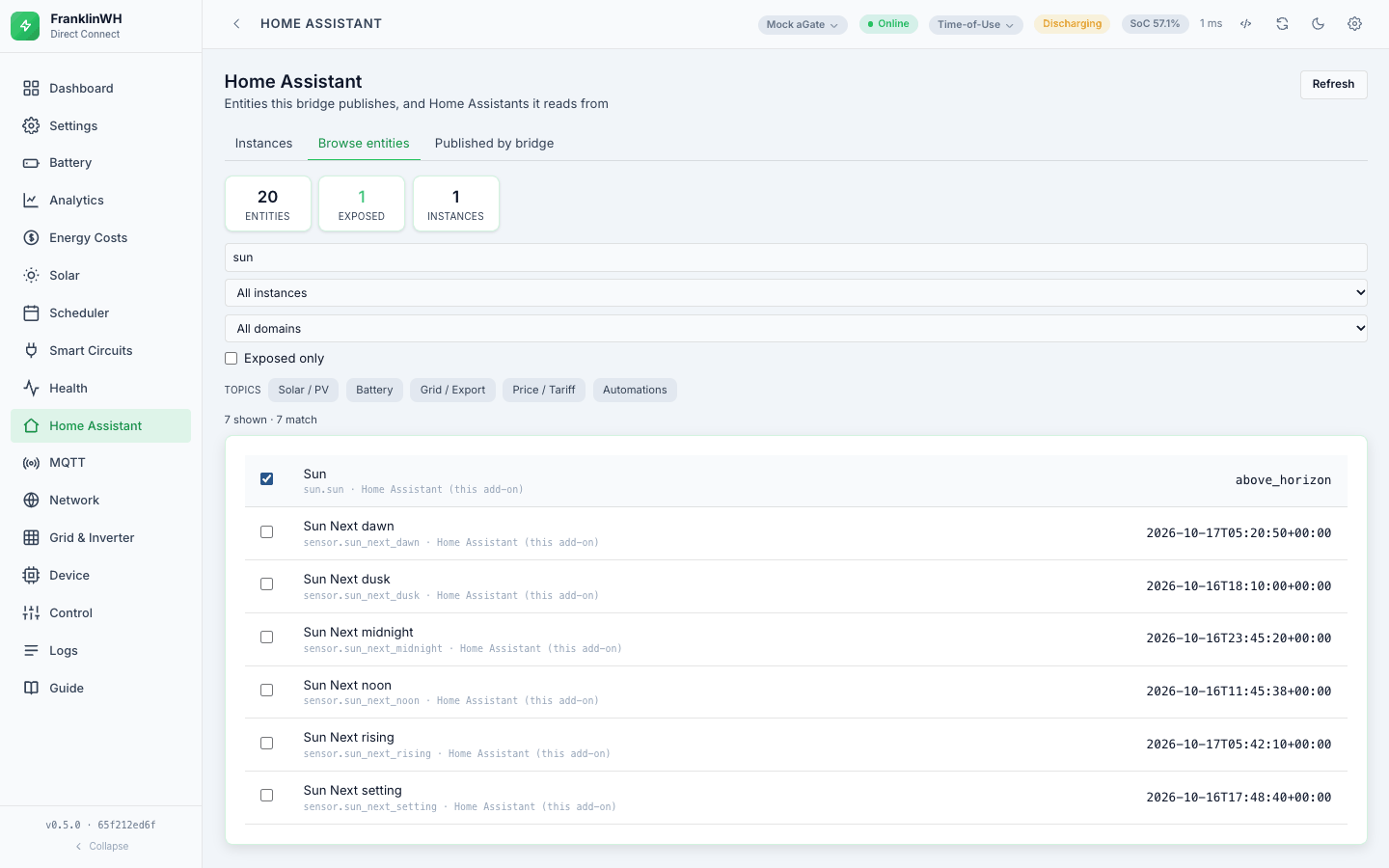
Browse an instance's entities (filterable by instance and domain) and expose the ones
you want. Exposing is what makes an entity available to the Scheduler as
ha:<instance>:<entity_id> — see
Scheduler → Conditions. Only exposed
entities are offered and evaluated. (Each scheduler tick still fetches the instance's state
list and keeps the exposed ones.)
Notification devices
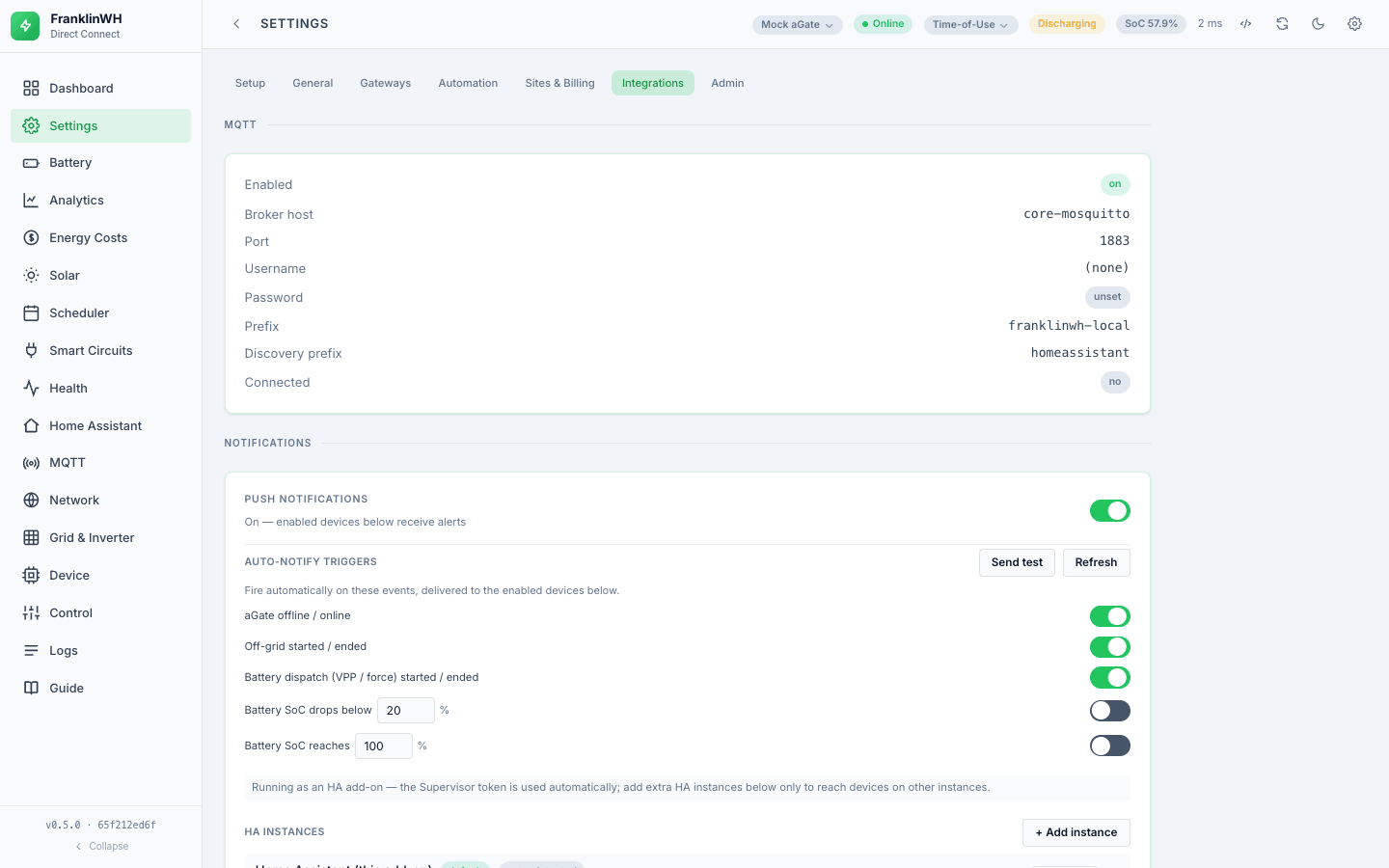
Register notification targets, test one, or broadcast to all of them. These are what the Scheduler's Notify action and the bridge's own alerts (an interrupted dispatch, for instance) send to.
A separate set of notification triggers — the bridge's own standing alerts, as opposed to a schedule's notify action — lives under Settings → Integrations → Notifications, with a test button and its own log.
Step by step, with what each event sends and what is not yet available: Home Assistant setup and notifications.
Dashboard card
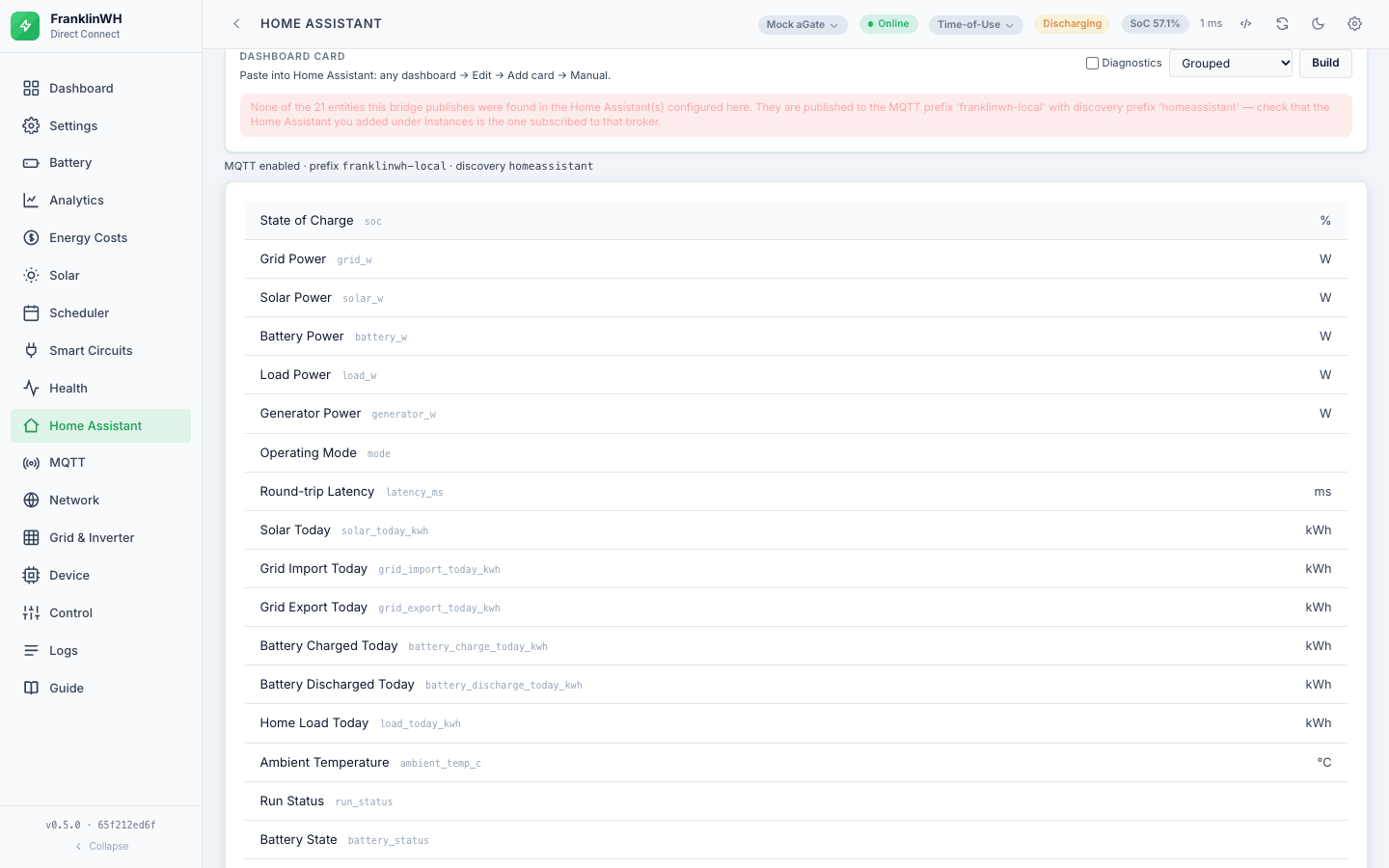
Build generates Lovelace YAML for the published entities — grouped or as a single card, with or without the diagnostic entities — and Copy puts it on your clipboard. Paste it into a dashboard in YAML mode.